The short answer
Choose a CRM operating model, not a feature-count winner
Choose Zoho CRM when a small sales team wants a standalone per-user CRM, a three-user free entry point, and a broad ladder of workflow and customization editions. Choose HubSpot CRM when the customer record needs to support connected sales, marketing, service, content, and data tools from one platform. For either product, prove the Shopify data model, duplicate handling, permissions, and export path with real sample records.
This comparison is for small ecommerce teams adding a traditional CRM around customer and sales work. It is not a comparison of ecommerce help desks, email-service providers, or enterprise customer-data platforms.
| Team requirement | Stronger documented fit | Why |
|---|---|---|
| A free starting point for three CRM users | Zoho CRM | Zoho currently documents a free edition for up to three users, with edition limits that still need review. |
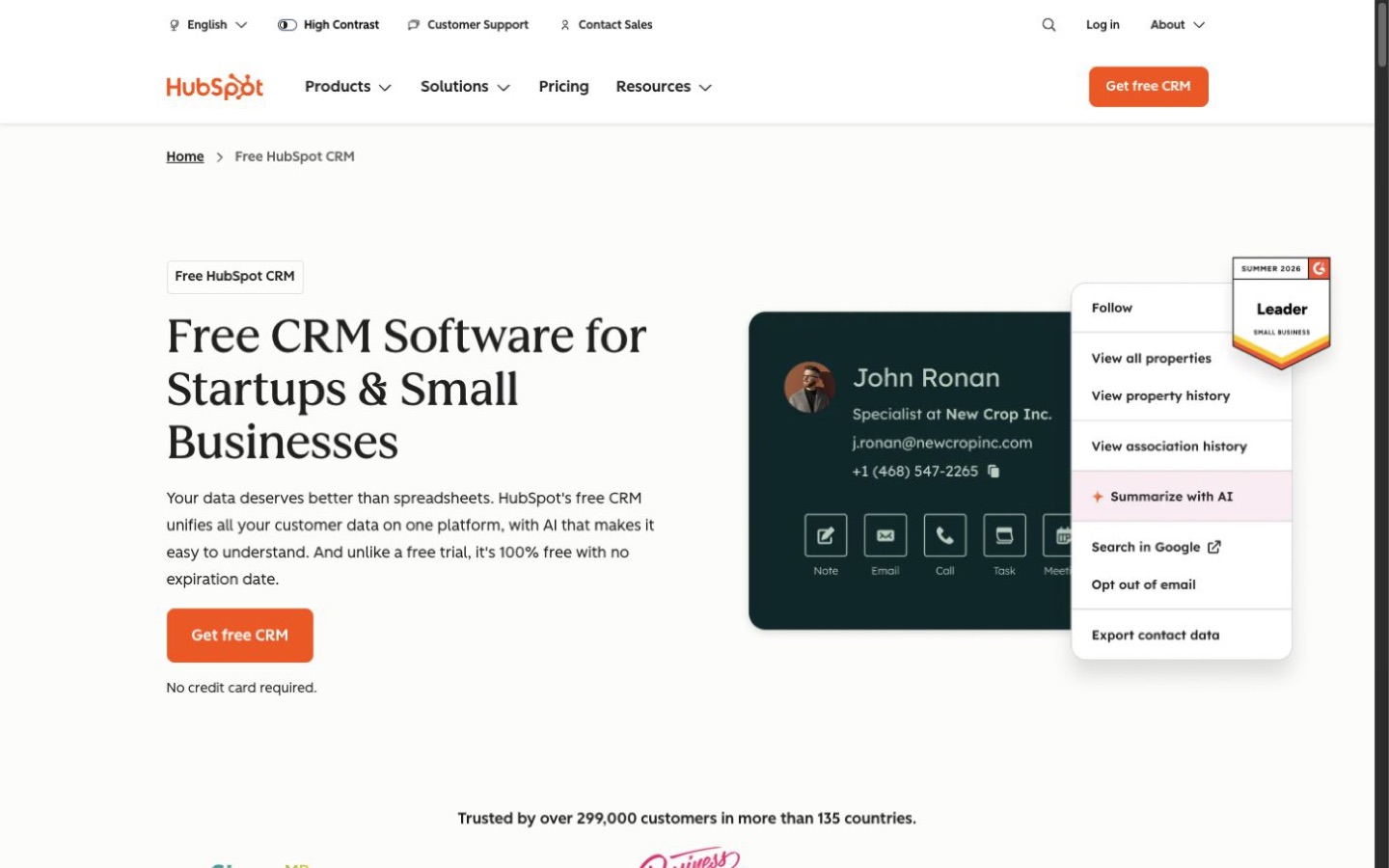
| A free customer-platform starting point | HubSpot CRM | HubSpot currently documents free foundational CRM tools for up to two users and connects that database to its broader product family. |
| A Zoho-centered business stack | Zoho CRM | The standalone CRM sits within Zoho's wider suite and offers a Zoho-built Shopify extension. |
| Sales, marketing, and service on one data foundation | HubSpot CRM | HubSpot positions Smart CRM as the database beneath its connected hubs and marketplace apps. |
| Full record-based workflow automation at a lower edition | Verify Zoho first | Zoho documents workflows across its editions; HubSpot's full workflow builder currently requires a Professional or Enterprise subscription. |
| Shopify customer and order context | Pilot both | Both document Shopify sync paths, but their objects, directions, mappings, filters, and paid dependencies differ. |
Plans and total cost
Both start free, then diverge in how paid capability is packaged
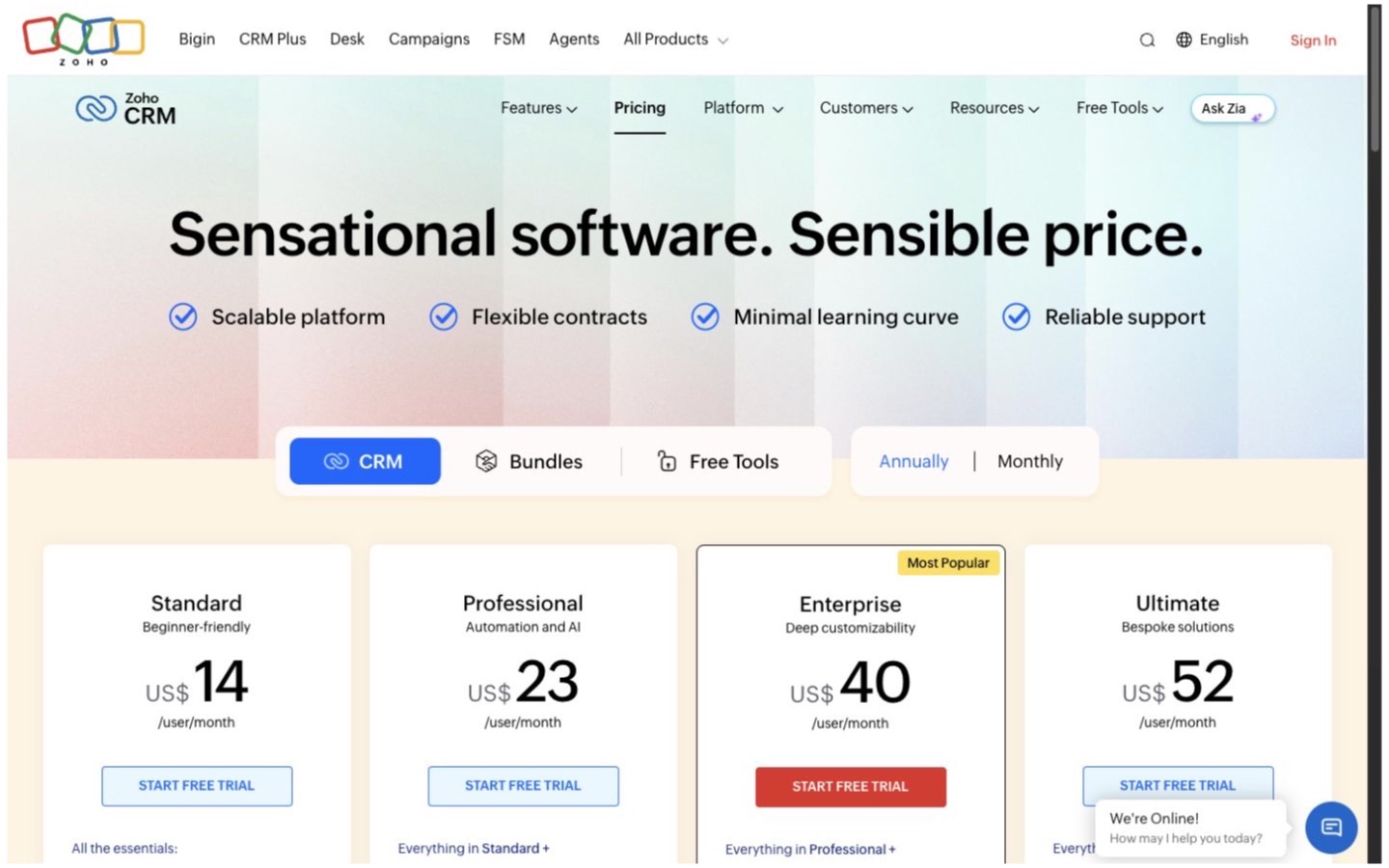
Zoho CRM's current plan page (opens in a new tab) presents Free, Standard, Professional, Enterprise, and Ultimate CRM editions, plus separate bundles and team-user options. The free edition currently supports up to three users. Paid cost is not just seat count: edition limits, support, storage, API usage, other Zoho apps, and implementation work also belong in the model.
HubSpot's current pricing page (opens in a new tab) presents free tools for up to two users, then paid Starter and higher product paths spanning marketing, sales, service, content, data, and revenue tools. Seats, selected hubs, feature limits, usage-based credits, contact tiers, onboarding, and promotional terms can all change the effective cost.
If Zoho's model fits, review Zoho CRM's current editions (opens in a new tab) against a 24-month seat, support, storage, integration, and administration worksheet before starting the rollout.
Store data
The Shopify connectors use different object and sync models
Zoho's own Shopify extension listing (opens in a new tab) documents syncing Shopify customers, sales, and product details into Zoho CRM. Treat the extension as a separate implementation surface: verify store count, field mapping, historical import, update direction, failure handling, and how refunds, cancellations, guest checkouts, and duplicate emails are represented.
HubSpot's Shopify Data Sync listing (opens in a new tab) documents bidirectional contact and product updates plus one-way order and abandoned-checkout sync into HubSpot. It also identifies plan-dependent custom mappings and filters. Build the comparison around the exact objects and directions the store needs, not the existence of a marketplace listing.
Neither connector should be treated as the order system of record by default. Define whether Shopify, the CRM, an email platform, or another application owns each customer, consent, product, and transaction field.
Automation
Zoho exposes workflows earlier; HubSpot ties the full builder to higher subscriptions
Zoho's workflow documentation (opens in a new tab) covers record-action, date-field, and broad record triggers with immediate or scheduled actions such as notifications, tasks, field updates, webhooks, functions, and record creation. Availability and limits still vary by edition, so every required trigger and action belongs in the plan checklist.
HubSpot's full workflow builder (opens in a new tab) currently requires a Professional or Enterprise subscription in an eligible hub. The pricing page separately documents narrower automation in free and Starter tools. Do not compare a simple deal-stage task trigger with a multi-object workflow as though they were the same entitlement.
Data model
Map the records before choosing the customization ceiling
Zoho's edition comparison (opens in a new tab) documents standard sales records plus edition-specific limits for custom modules, fields, layouts, reports, dashboards, automation, portals, sandboxes, and other controls. Its specification page (opens in a new tab) is the better place to verify numerical limits before designing around them.
HubSpot's CRM model documentation (opens in a new tab) describes objects, records, properties, associations, pipelines, activities, and APIs. Standard ecommerce objects can reduce modeling work, while custom objects and some advanced governance features require higher subscriptions. Start with a field-and-association map, then check the plan needed to implement it.
Team access
Roles, sharing, seats, and exports need separate controls
Zoho distinguishes organization users, team users, roles, profiles, and portal users in itsuser-management overview (opens in a new tab). Its sharing rules (opens in a new tab) can extend record access beyond the default owner and manager boundary. Verify which user type can own records, automate work, report, administer, and access connected apps.
HubSpot's permission controls (opens in a new tab) cover who can view, create, edit, delete, communicate with, and administer records and tools, with some comparison and permission-set features tied to higher subscriptions. For both systems, test a sales rep, manager, marketer, support user, integration identity, and administrator rather than assigning broad access by convenience.
Migration and exit
An import is not complete until relationships and history reconcile
Zoho's export workflow (opens in a new tab) supports module, view, criteria, field, and file-format choices, with permissions and download windows. HubSpot's record export workflow (opens in a new tab) covers properties and associations, while activity data may require separate export paths. In either product, record exports are not automatically a complete archive of every engagement, file, audit event, automation, and configuration.
HubSpot also offers Data Sync (opens in a new tab) for supported business applications. A synchronization product is not a migration plan by itself: define deduplication, conflict ownership, deletions, consent, backfill, replay, monitoring, and a final cutover procedure.
Implementation pilot
Use the same twenty-record test in both CRMs
- Define contacts, companies, deals, orders, products, consent, activities, and their system of record.
- Import twenty representative customers containing duplicates, guests, multiple orders, refunds, and missing fields.
- Connect a non-production Shopify store and document every object, direction, mapping, and filter.
- Run one lead-assignment, one post-purchase, and one exception workflow without sending a real customer message.
- Test rep, manager, marketing, support, integration, and administrator access with least privilege.
- Reconcile counts, associations, consent values, timestamps, currencies, order totals, and workflow outcomes.
- Export the pilot records, associations, activities, and configuration evidence, then prove the rollback path.
Decision
Choose one only after the data and permission model passes
Choose Zoho CRM when
A standalone per-user CRM, three-user free path, Zoho suite alignment, workflow availability, and edition ladder match the team and the Shopify extension passes the pilot.
Read the Zoho CRM profileChoose HubSpot CRM when
The CRM should anchor connected sales, marketing, service, content, and data tools, and the required seats, hubs, automation, and Shopify mappings fit the commercial model.
Read the HubSpot CRM profileChoose neither when the main need is ecommerce-native customer support, a lightweight shared inbox, a warehouse or order-management system, or a governed customer-data platform without a sales pipeline. Browse the CRM category for a wider shortlist.
Editorial method
How this comparison was researched
Commerce Stack Guide reviewed 16 official Zoho and HubSpot pages covering plans, feature limits, Shopify connections, workflows, permissions, users, exports, data sync, and APIs on August 20, 2026. The criteria and preliminary conclusion were defined from the ecommerce team's data and operating workflow before publication.
This is source-reviewed research, not hands-on product testing. It includes no implementation timing, support-quality measurement, customer interviews, ratings, adoption counts, return-on-investment claim, or universal winner. Plan names, limits, prices, promotions, integrations, and API behavior should be rechecked before purchase. Read the editorial policy for the publication standard.
Evidence registry
Official sources
Every source below was reopened on August 20, 2026. Recheck volatile plan, limit, integration, automation, and billing details before implementation.
- ZC01Zoho CRM: Zoho CRM Pricing and Editions (opens in a new tab)
- ZC02Zoho CRM: Compare All Zoho CRM Editions (opens in a new tab)
- ZC03Zoho CRM: Shopify for Zoho CRM (opens in a new tab)
- ZC04Zoho CRM: Configuring Workflow Rules (opens in a new tab)
- ZC05Zoho CRM: Setting Up Data Sharing Rules (opens in a new tab)
- ZC06Zoho CRM: Export CRM Data (opens in a new tab)
- ZC07Zoho CRM: Zoho CRM Specifications (opens in a new tab)
- ZC08Zoho CRM: User Management in Zoho CRM (opens in a new tab)
- H01HubSpot CRM: HubSpot CRM Pricing (opens in a new tab)
- H02HubSpot CRM: HubSpot Free CRM (opens in a new tab)
- H03HubSpot CRM: Shopify Data Sync App (opens in a new tab)
- H04HubSpot CRM: Create Workflows (opens in a new tab)
- H05HubSpot CRM: Manage User Permissions (opens in a new tab)
- H06HubSpot CRM: Export Records (opens in a new tab)
- H07HubSpot CRM: HubSpot Data Sync (opens in a new tab)
- H08HubSpot CRM: Understanding the HubSpot CRM APIs (opens in a new tab)
Final takeaway
Zoho CRM is the more direct standalone-CRM shortlist for a cost-conscious small sales team. HubSpot CRM is the more natural platform shortlist when several customer-facing teams should work from one connected database. Let the data map, permission test, and full 24-month cost decide.