The short answer
Choose the hosting model before comparing feature lists
Choose SiteGround when the priority is a lower-cost entry point and a broader website-hosting bundle that currently includes domain and email features. Choose Pressable when the team wants a WordPress-only managed platform with capacity expressed through installs, visits, storage, and per-site resources. Neither is a safe choice until a copy of the real store passes checkout, payment, email, scheduled-task, webhook, and rollback tests.
This comparison is for a small or growing WooCommerce merchant deciding where to host an existing or planned store. It is not a benchmark, a support-quality ranking, or a substitute for a current quote and migration test.
| Store requirement | Stronger documented fit | Why |
|---|---|---|
| Lower introductory cost and a general hosting bundle | SiteGround | Its current shared WooCommerce plans combine hosting with domain, email, SSL, CDN, and backup features; renewal pricing needs a separate comparison. |
| Several WordPress sites on one plan | Verify SiteGround first | Its higher shared plans currently allow multiple sites, while the right Pressable tier depends on install, visit, and storage allowances. |
| WordPress-only managed operating model | Pressable | Its Signature plans are organized around WordPress installs, visits, storage, and per-site platform resources. |
| Hourly database snapshots | Pressable | Pressable documents hourly database backups when changes are detected, separately from daily filesystem backups. |
| Staging for a live WooCommerce store | Verify both | Both document staging, but plan access and production-push behavior differ; order data requires a careful deployment procedure. |
| Non-WordPress applications or custom server control | Neither by default | This comparison is limited to managed WordPress and WooCommerce hosting rather than a general cloud-server shortlist. |
Operating model
SiteGround bundles broadly; Pressable narrows the platform to WordPress
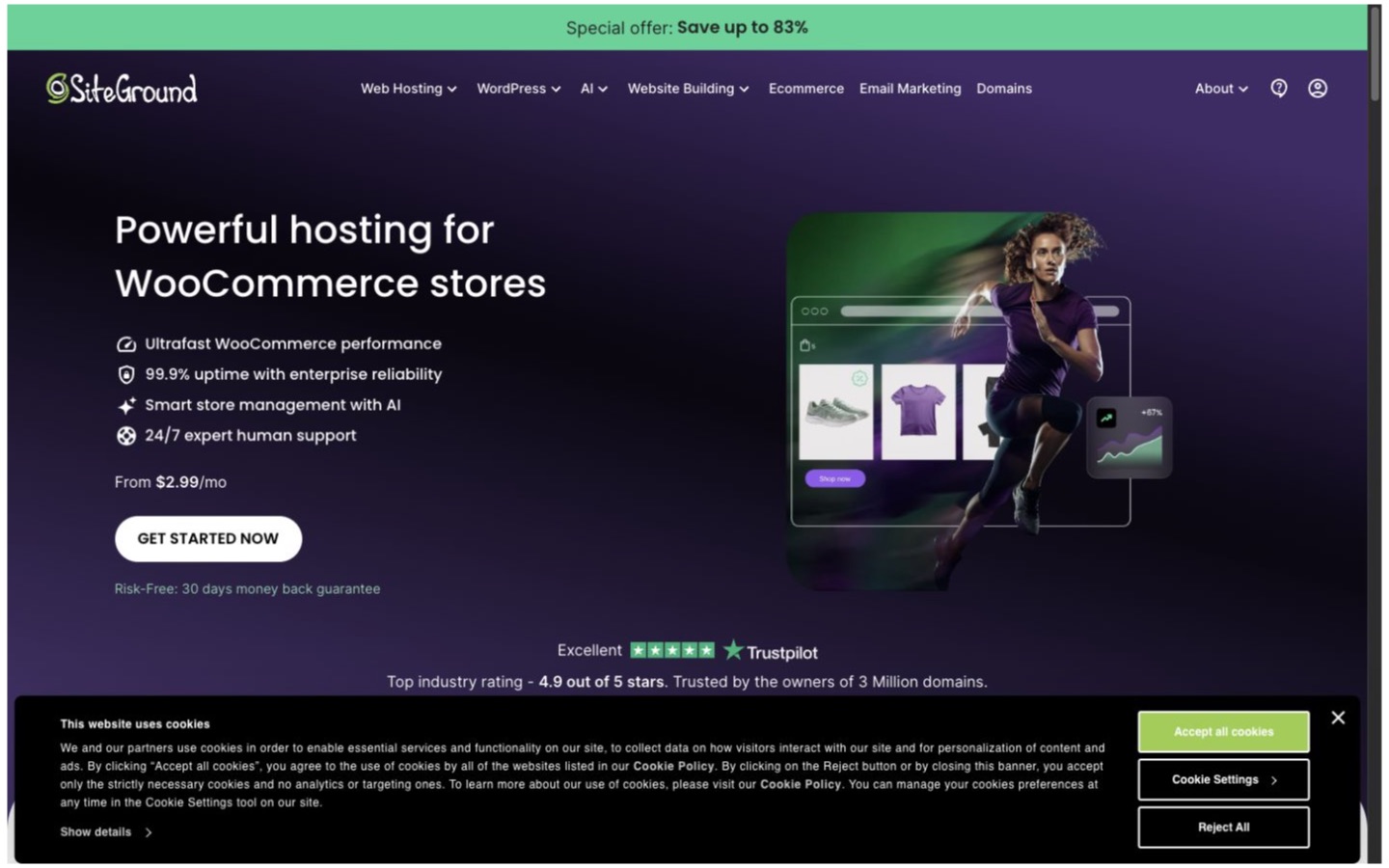
SiteGround's current WooCommerce plans (opens in a new tab) combine WordPress and WooCommerce setup with hosting, SSL, CDN, backups, email, managed updates, and migration options. The higher shared plans add multiple-site capacity and operational tools. This makes SiteGround the more natural first check when one provider needs to cover several ordinary website functions.
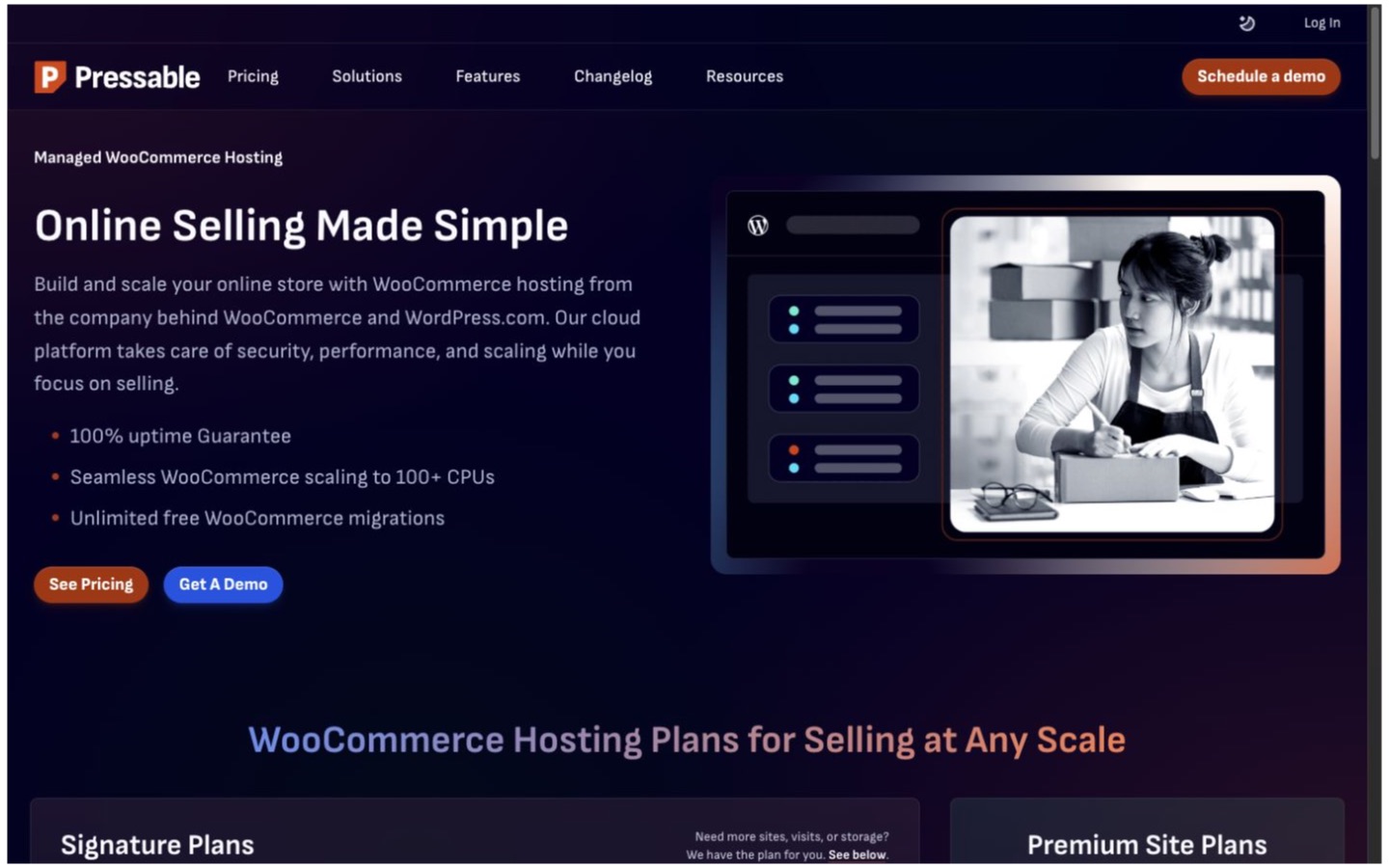
Pressable's Signature plans (opens in a new tab) are organized around WordPress installs, monthly visits, storage, staging and sandbox sites, PHP workers, caching, backups, Jetpack Security, and migrations. That narrower model can be easier to evaluate when WordPress is the whole workload, but it is not a general server or mixed-application platform.
Commercial model
Compare renewal cost and capacity, not just the first advertised number
SiteGround currently separates introductory and renewal pricing and requires a prepaid term for the displayed promotional rate. Plan limits also change site count, storage, staging, manual backups, Git, and support routing. Review SiteGround's current WooCommerce plan details (opens in a new tab) and model the renewal term rather than treating the opening price as the ongoing cost.
Pressable's current Signature tiers vary by installs, visits, and storage, with monthly and annual billing paths and documented overage pricing. Review Pressable's current WooCommerce hosting options (opens in a new tab), then price the expected traffic, media growth, staging sites, and number of production installs.
Use a 24-month worksheet that includes renewal, overages, email, domains, backup export, migration assistance, developer time, and any add-ons. A lower hosting invoice can still be the costlier choice if the team must buy or operate missing capabilities separately.
Store administration
Both manage WordPress, but the account boundaries differ
SiteGround documents WooCommerce auto-installation, managed updates, WP-CLI, SSH, collaborators, and a WordPress migration plugin. Pressable documents staging and sandbox environments, collaborator permissions, WP-CLI, migrations, and a control panel built around individual WordPress sites. Map who needs billing, DNS, SFTP, database, staging, and production access before choosing either account structure.
Pressable includes Jetpack Security on current plans, but its activation guide (opens in a new tab) requires a WordPress.com connection and describes that backup path separately from Pressable's platform snapshots. Treat account ownership, recovery access, and the WordPress.com connection as part of the operating design.
Delivery layer
Included caching still needs store-specific validation
SiteGround documents multilevel caching and a CDN, with its CDN guide (opens in a new tab) explaining DNS requirements and differences between static and dynamic caching features. Its location guide (opens in a new tab) can help narrow the region and delivery-path questions for a store's audience.
Pressable's current cache guidance (opens in a new tab) says Edge Cache is enabled by default on newer sites and replaces its legacy CDN. For either host, test logged-in sessions, carts, checkout, personalized fragments, payment return URLs, and cache purges. Included caching is not evidence that every plugin and store path is configured safely.
Recovery and change control
Backup frequency and safe deployment are separate decisions
SiteGround's backup documentation (opens in a new tab) describes up to 30 daily copies on shared hosting, restore options, and manual-backup slots on eligible plans. Its separateexport guide (opens in a new tab) shows that a downloadable packaged backup depends on the backup service or plan, with manual file and database export as alternatives.
Pressable documents daily filesystem and hourly database backups when changes are detected, local downloads, on-demand limits, and deletion of hosted sites and backups after account cancellation. Its restore guide (opens in a new tab) should be tested alongside a separately stored export before relying on the provider copy as the only recovery path.
SiteGround's staging guide (opens in a new tab) documents eligibility and operating limits. Pressable's production-push guide (opens in a new tab)warns that pushing a stale WooCommerce database can overwrite newer transactions. On either host, freeze writes or move only the intended code and configuration rather than replacing current order data blindly.
Moving and maintaining the store
Migration assistance does not remove owner responsibility
SiteGround offers manual transfer and a documented WordPress automatic migrator (opens in a new tab). Pressable's current pricing and WooCommerce pages list free migrations. Confirm the number of migrations, what is included, who moves DNS and email, how long the source stays live, and how a failed cutover is rolled back.
SiteGround's support scope (opens in a new tab) and Pressable'ssupport-boundary guide (opens in a new tab) both separate platform help from work on custom code, site design, or third-party software. Keep a developer or agency path for theme, plugin, payment, integration, and application-level incidents.
Migration pilot
Prove the cutover with a current copy of the real store
- Create and download a complete file, database, DNS, email, and integration inventory.
- Clone the store without changing production DNS or sending customer notifications.
- Test anonymous and logged-in browsing, cart, coupons, tax, shipping, checkout, and payment callbacks.
- Verify transactional email, scheduled tasks, webhooks, search, analytics, consent, and security controls.
- Load-test only with permission and compare the same representative pages and store conditions.
- Document the write freeze, final database sync, DNS change, observation window, and rollback trigger.
- Keep the source account and an independent export until production reconciliation is complete.
Decision
Choose one only after its plan and migration path pass
Choose SiteGround when
The broader hosting bundle, included domain and email features, lower introductory path, or several-site capacity fit the operation and the renewal model passes the cost review.
Read the SiteGround profileChoose Pressable when
A WordPress-only managed platform, install-and-traffic capacity model, hourly database snapshots, and per-site operational tooling better match the team.
Read the Pressable profileChoose neither when the workload includes non-WordPress applications, requires dedicated infrastructure or a specific compliance arrangement, needs server-level control, or cannot satisfy the provider's backup, export, region, support, and recovery terms. Browse the Web Hosting category for a wider shortlist and the WooCommerce profile for platform context.
Editorial method
How this comparison was researched
Commerce Stack Guide reviewed 16 official SiteGround and Pressable pages covering plans, WooCommerce hosting, backups, restores, staging, caching, migrations, locations, security, and support on August 20, 2026. The criteria and preliminary conclusion were defined from the merchant workflow before publication.
This is source-reviewed research, not hands-on product testing. It includes no uptime or speed benchmark, support-quality measurement, customer interviews, migration timing, ratings, or universal value claim. Features, limits, renewal prices, overages, regions, and terms should be rechecked before purchase. Read the editorial policy for the publication standard.
Evidence registry
Official sources
Every source below was reopened on August 20, 2026. Recheck volatile plan, price, overage, backup, and platform details before implementation.
- SG01SiteGround: WooCommerce Hosting (opens in a new tab)
- SG02SiteGround: How to Use the Backup Service in Site Tools (opens in a new tab)
- SG03SiteGround: How to Create a Staging Copy of Your Site (opens in a new tab)
- SG04SiteGround: How to Manage the SiteGround CDN (opens in a new tab)
- SG05SiteGround: Scope of SiteGround Technical Support (opens in a new tab)
- SG06SiteGround: Where Are SiteGround Servers Located (opens in a new tab)
- SG07SiteGround: How to Download a Full Website Backup (opens in a new tab)
- SG08SiteGround: WordPress Automatic Migrator (opens in a new tab)
- PR01Pressable: Managed WordPress Plans and Pricing (opens in a new tab)
- PR02Pressable: WooCommerce Hosting (opens in a new tab)
- PR03Pressable: Accessing Backups (opens in a new tab)
- PR04Pressable: Restore a Site Using the Automated Restore Tool (opens in a new tab)
- PR05Pressable: Which CDN Should I Use on Pressable (opens in a new tab)
- PR06Pressable: Activate Jetpack Security with Pressable (opens in a new tab)
- PR07Pressable: Push a Staging Site into Production (opens in a new tab)
- PR08Pressable: What Pressable Can Do and How We Can Help (opens in a new tab)
Final takeaway
SiteGround is the simpler starting point when a broad, lower-cost hosting bundle fits the store. Pressable is the more focused starting point when a WordPress-only managed platform and its capacity model fit the team. Let the renewal worksheet and a reversible migration rehearsal decide.