The short answer
Zoho Books is the easier accounting choice; Odoo is the broader operations choice
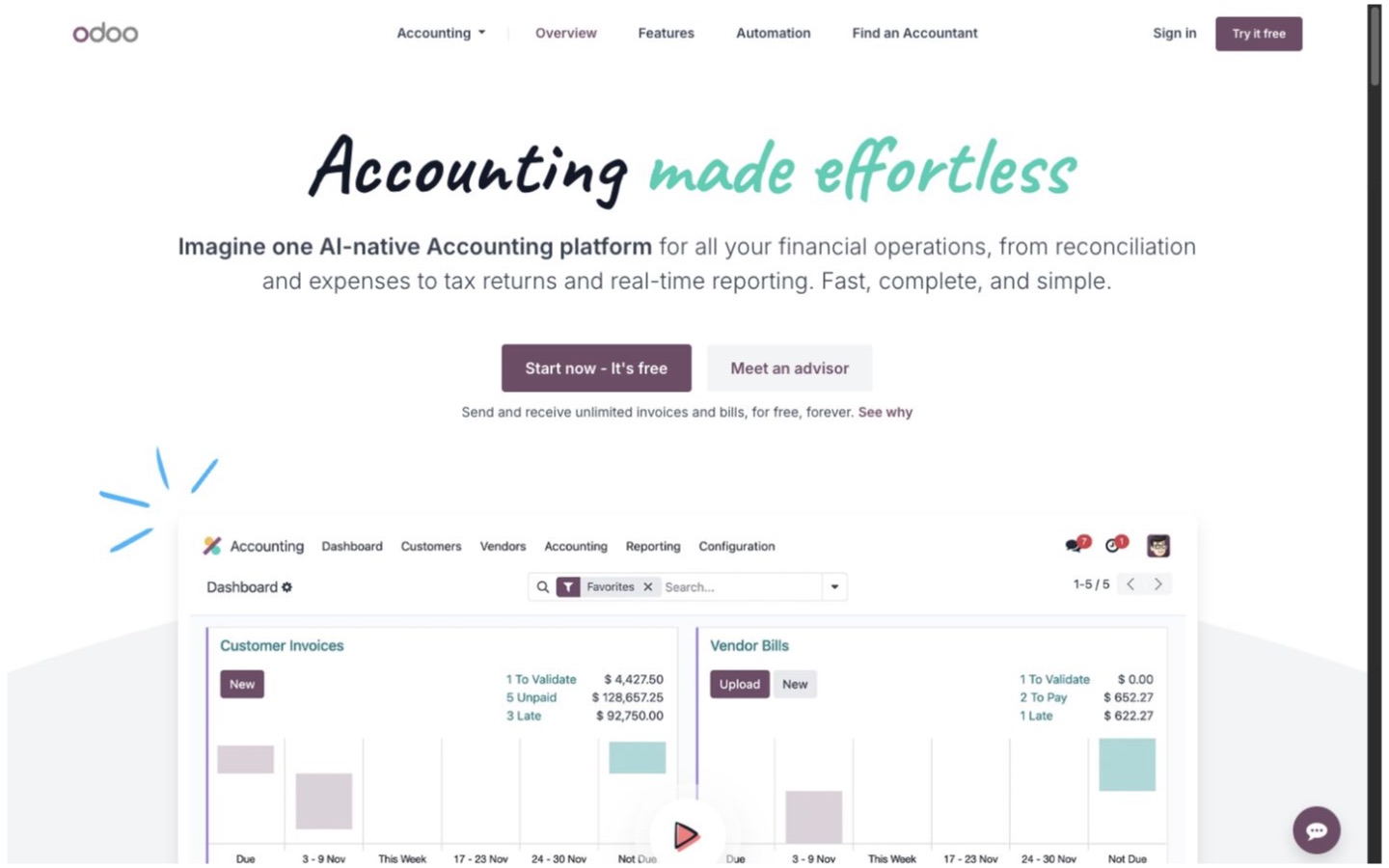
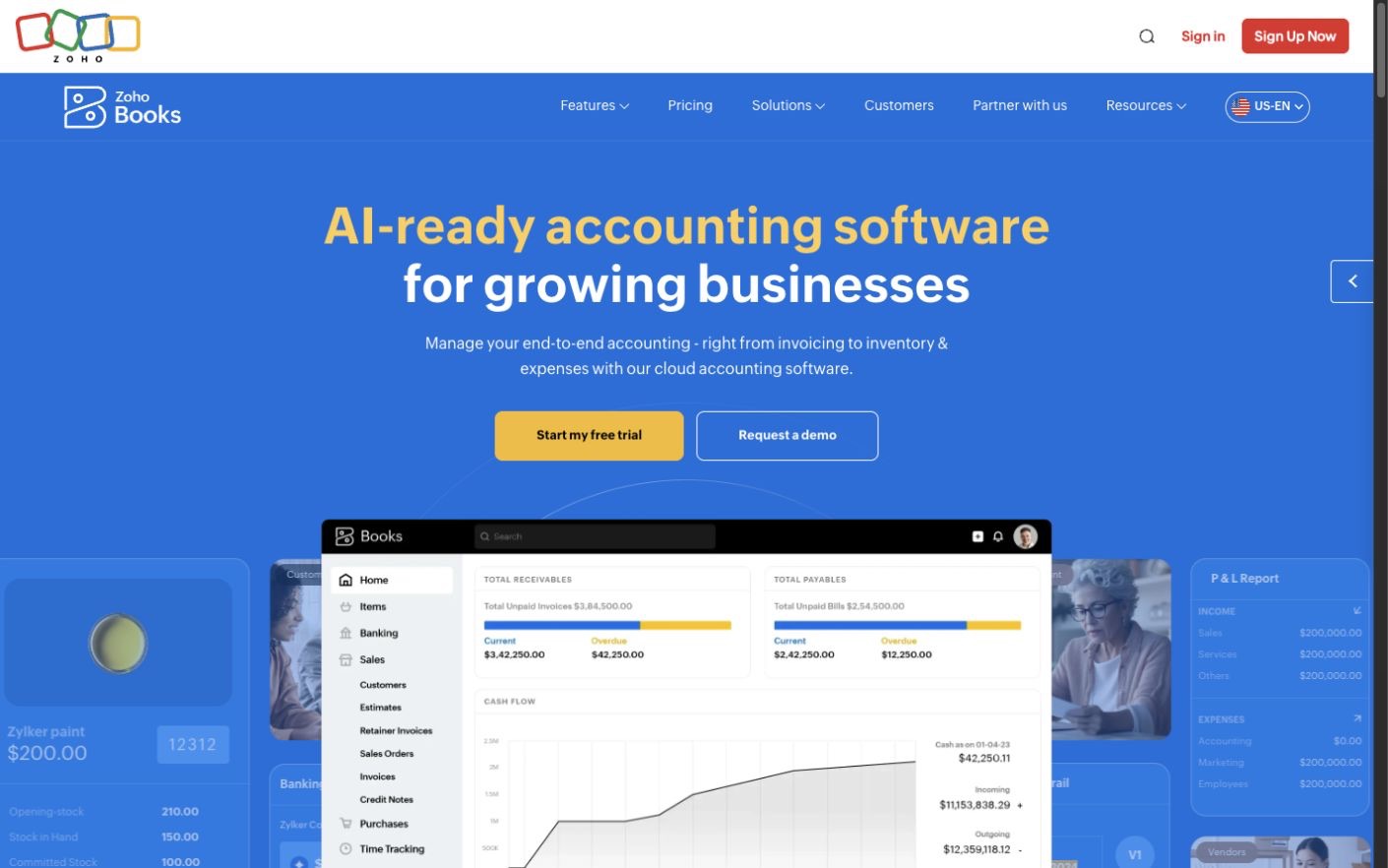
Zoho Books is the more straightforward starting point for a small or midsize ecommerce business that already has a storefront and wants a cloud accounting system around it. Odoo Accounting makes more sense when the business wants to run accounting as part of a larger Odoo setup that may also include ecommerce, inventory, purchasing, sales, or manufacturing.
That distinction matters because the products are sold differently. Zoho Books is priced mainly by organization, plan limits, and included users. Odoo is priced mainly by the number of paid backend users and the set of Odoo apps you need. A low headline price can become a different bill once you add the actual users, stores, warehouses, companies, and integrations.
| Business situation | Where to start | Why |
|---|---|---|
| You want accounting beside an existing store and app stack | Start with Zoho Books | It is easier to evaluate as a focused accounting purchase, with organization-based plans and included users. |
| You want the store, inventory, purchasing, and accounting in one system | Start with Odoo | Odoo's advantage is the connection between its own operational apps, not accounting in isolation. |
| You use Shopify and need direct product and order sync | Price both carefully | Zoho lists Shopify connections on its higher inventory plan; an Odoo setup may need a connector or Custom-plan API work. |
| Accounting is the only Odoo app you need | Test Odoo One App Free | It can be unusually economical, but adding other Odoo apps changes the plan decision. |
| You need custom modules, external API access, or several companies in Odoo | Price Odoo Custom | Those needs move the project beyond Odoo's simpler hosted plans. |
| Your accountant is committed to another ledger | Choose neither yet | A technically capable product can still add cost if your accountant must rebuild a familiar process. |
Pricing and entry
The free plans solve different problems
Odoo's current pricing page (opens in a new tab) offers one Odoo app at no charge for unlimited users on Odoo Online. That can be a strong deal if Accounting is genuinely the only Odoo app the business needs. The moment the plan includes Odoo Ecommerce, Inventory, Sales, or another app, the choice moves to a paid all-apps plan. Odoo Standard is the simpler hosted route; Custom adds options such as Odoo Studio, multiple companies, custom development, and external API access.
Odoo charges for backend users who work inside the system. Portal users are treated differently. Count the owner, bookkeeper, sales staff, warehouse managers, buyers, and anyone else who needs backend access before comparing the annual cost.
Zoho's current US pricing page (opens in a new tab) lists a Free plan for a small business below its stated annual-revenue threshold, with one user and one accountant. Standard adds bank feeds, custom reports, and API access. Professional adds sales orders, purchase orders, inventory, and multi-currency. Elite moves farther into advanced inventory, warehouses, serial and batch tracking, shipping labels, and online sales channels, including Shopify connections.
Zoho plans include a set number of users, and additional users can be added for a fee. They also carry limits for invoices, expenses, locations, and other activity. Compare the plan your business will actually need, not the free plan that looks best on a pricing page.
Ecommerce model
Odoo can be the whole operating system; Zoho Books usually joins an existing one
Odoo's clearest ecommerce story is an Odoo store feeding Odoo orders, deliveries, inventory, and accounting. Its ecommerce documentation (opens in a new tab) covers the storefront and checkout, while its order-handling guide (opens in a new tab) connects sales orders, delivery orders, invoices, returns, and refunds. Keeping those records in one platform can reduce handoffs between separate systems.
That advantage is most useful when the business is willing to adopt Odoo across several departments. If Shopify, WooCommerce, Amazon, or another marketplace must remain the center of the stack, identify the exact Odoo connector before buying. Confirm who maintains it, what it costs, how it handles refunds and discounts, and whether it needs Odoo's Custom plan for API access.
Zoho Books is easier to understand as the accounting destination for an existing commerce setup. Its higher plans add stronger inventory and online sales-channel features, but the plan table matters: the direct Shopify capability appears with Elite rather than the lower accounting plans. A merchant should test how orders, fees, tax, shipping income, discounts, refunds, gift cards, and payouts reach the ledger. An order connection is not automatically a complete settlement-reconciliation process.
Inventory and operations
Odoo has the deeper operational path, but Zoho Books may cover a simpler catalog
Odoo Inventory is a separate app in the larger suite. Its official documentation (opens in a new tab) covers warehouses, locations, replenishment, routes, lots, serial numbers, shipping, barcode work, and inventory valuation. That makes Odoo the more natural candidate when accounting must stay close to purchasing, stock movements, fulfillment, or manufacturing.
Zoho Books' inventory accounting overview (opens in a new tab) covers stock, purchasing, sales orders, warehouses, batches, serial numbers, landed costs, reports, and composite items. The available depth depends on the Books plan. Professional is the first serious inventory step; Elite is where the current plan table places advanced inventory and online sales-channel features.
For either product, run a stock test instead of checking feature boxes. Receive a purchase order, sell a bundle, make a partial shipment, process a return, transfer stock, correct a count, and check the resulting cost of goods sold. If the numbers cannot be explained by the person who closes the books, the workflow is not ready.
Accounting work
Both cover the ledger; local rules and accountant fit need a closer look
Odoo's accounting documentation (opens in a new tab) describes double-entry accounting, cash and accrual methods, bank synchronization, financial reports, inventory valuation, multiple currencies, multiple companies, branches, and country-specific localizations. That breadth is useful for a business already choosing Odoo as its main platform.
Zoho Books organizes the day around sales, purchases, banking, accountant work, approvals, and reporting. Its report guide (opens in a new tab) includes profit and loss, balance sheet, cash flow, receivables, sales, inventory, and activity reporting. Standard and higher plans add capabilities that a growing finance team is more likely to need.
Do not assume a localization label settles compliance. Ask the accountant to review tax setup, chart of accounts, bank feeds, closing entries, audit history, and required filings for every country where the business operates. Also ask whether the accountant already supports the product. A lower software bill can disappear quickly if every month-end close takes longer.
Users and control
Map access before inviting the whole company
Odoo's per-backend-user model can work well when many people need a single app under the One App Free offer. It can become more expensive when a wider Odoo deployment brings many employees into paid backend access. Odoo supports detailed access rights, but those controls need deliberate setup across apps and companies.
Zoho Books includes a fixed number of users by plan, plus accountant access on its entry plans. Its users and roles guide (opens in a new tab) documents standard roles, custom roles, invitations, and restricted access. Additional users are available as a paid add-on.
Create a simple access sheet for the owner, bookkeeper, outside accountant, warehouse lead, buyer, customer-service staff, and developer. Mark who can change tax, edit opening balances, issue refunds, create vendors, adjust stock, export data, connect an app, and approve bills. Then build the same roles in each trial.
Integration and customization
Odoo offers more room to build, which also creates more to maintain
Odoo can be configured across a large set of connected apps, and its Custom plan supports Studio, custom modules, and external integrations. Its external API documentation (opens in a new tab) states that API access is not available on One App Free or Standard. A custom Odoo project therefore needs a realistic budget for the right plan, implementation, testing, upgrades, and ongoing ownership.
Zoho Books' Standard plan and above currently include API access, while higher plans add custom roles, custom functions, and more advanced controls. That can be enough for a smaller company whose main need is to connect accounting to a store, payment system, payroll process, or reporting tool without rebuilding the rest of the business in Zoho.
List every connection and name its owner. For each one, test authentication, field mapping, duplicate protection, retries, refunds, historical imports, and what happens when it stops overnight. A flexible API is useful only when someone is responsible for the integration after launch.
Migration and exit
Prove that you can enter cleanly and leave with usable records
Odoo's import and export guide (opens in a new tab) supports CSV and spreadsheet exports by model and field, along with imports and updates using external identifiers. Because data is spread across connected records, test exports for customers, suppliers, products, invoices, bills, payments, journal entries, orders, stock, and attachments—not only a single customer list.
Zoho Books' backup guide (opens in a new tab) describes organization-data backups in CSV or spreadsheet format, with options for documents, audit trail, and personally identifiable information. The service limits how often a backup can be requested, and the download link expires. Put a recurring backup and verification task on the finance calendar.
An export is not the same as a restorable accounting file. Before committing, give a sample export to the accountant and confirm that balances, transaction detail, documents, tax records, and audit history can be retained in a form the business can actually use.
A practical test
Close one representative week in both systems
- Import a small, clean chart of accounts, customer list, supplier list, and product catalog.
- Connect or simulate the real storefront, payment processor, bank, and inventory flow.
- Process orders with tax, shipping, discounts, refunds, fees, and more than one payment method.
- Receive a purchase order and complete one stock adjustment, transfer, bundle, and return.
- Reconcile a real payout to the underlying orders, refunds, fees, and deposits.
- Invite the bookkeeper and accountant with the permissions they would actually receive.
- Run the profit and loss, balance sheet, cash flow, inventory value, receivables, and tax reports.
- Export the week's records and have the accountant inspect the result.
- Price one year with all required users, companies, stores, apps, integrations, and implementation help.
Decision
Choose the operating model before choosing the accounting product
Choose Odoo Accounting when
The business wants accounting inside a larger Odoo operation and can assign an owner to implementation, permissions, integrations, and upgrades.
Read the Odoo Accounting profileChoose Zoho Books when
The business wants a more focused cloud accounting product beside its current ecommerce stack, with predictable organization-based plans and a simpler trial.
Read the Zoho Books profileChoose neither yet if the accountant, tax process, settlement reconciliation, or inventory workflow depends on a product they already know well. Compare the ecommerce accounting shortlist before taking on a migration.
If Zoho Books fits the test, see Zoho Books' current plans (opens in a new tab) and price the users, transactions, locations, inventory features, and sales-channel connections the business will actually use.
Editorial method
How this comparison was researched
Commerce Stack Guide reviewed 13 official Odoo and Zoho pages on August 21, 2026. The research covered pricing, accounting, ecommerce orders, inventory, users, reports, API access, customization, imports, exports, and backups. The article responds to early search demand for Odoo financial accounting and is written for smaller ecommerce teams deciding between a focused ledger and a wider operating suite.
This is documentation research. No live store, bank feed, payout, inventory close, tax filing, support case, migration, custom module, or API integration was tested. Plans, prices, limits, and integrations change. Confirm the final scope with each vendor and review the accounting setup with a qualified professional.
Evidence
Official sources
- OZ01: Odoo Pricing
Odoo Accounting
- OZ02: Odoo Accounting Documentation
Odoo Accounting
- OZ03: Odoo Ecommerce Documentation
Odoo Accounting
- OZ04: Odoo Ecommerce Order Handling
Odoo Accounting
- OZ05: Odoo Inventory Documentation
Odoo Accounting
- OZ06: Odoo External API
Odoo Accounting
- OZ07: Odoo Export and Import Data
Odoo Accounting
- ZB01: Zoho Books Pricing
Zoho Books
- ZB02: Getting Started with Zoho Books
Zoho Books
- ZB03: Inventory Accounting in Zoho Books
Zoho Books
- ZB04: Users and Roles in Zoho Books
Zoho Books
- ZB05: Back Up Zoho Books Data
Zoho Books
- ZB06: Reports in Zoho Books
Zoho Books