Start here
Define the job before comparing the tools
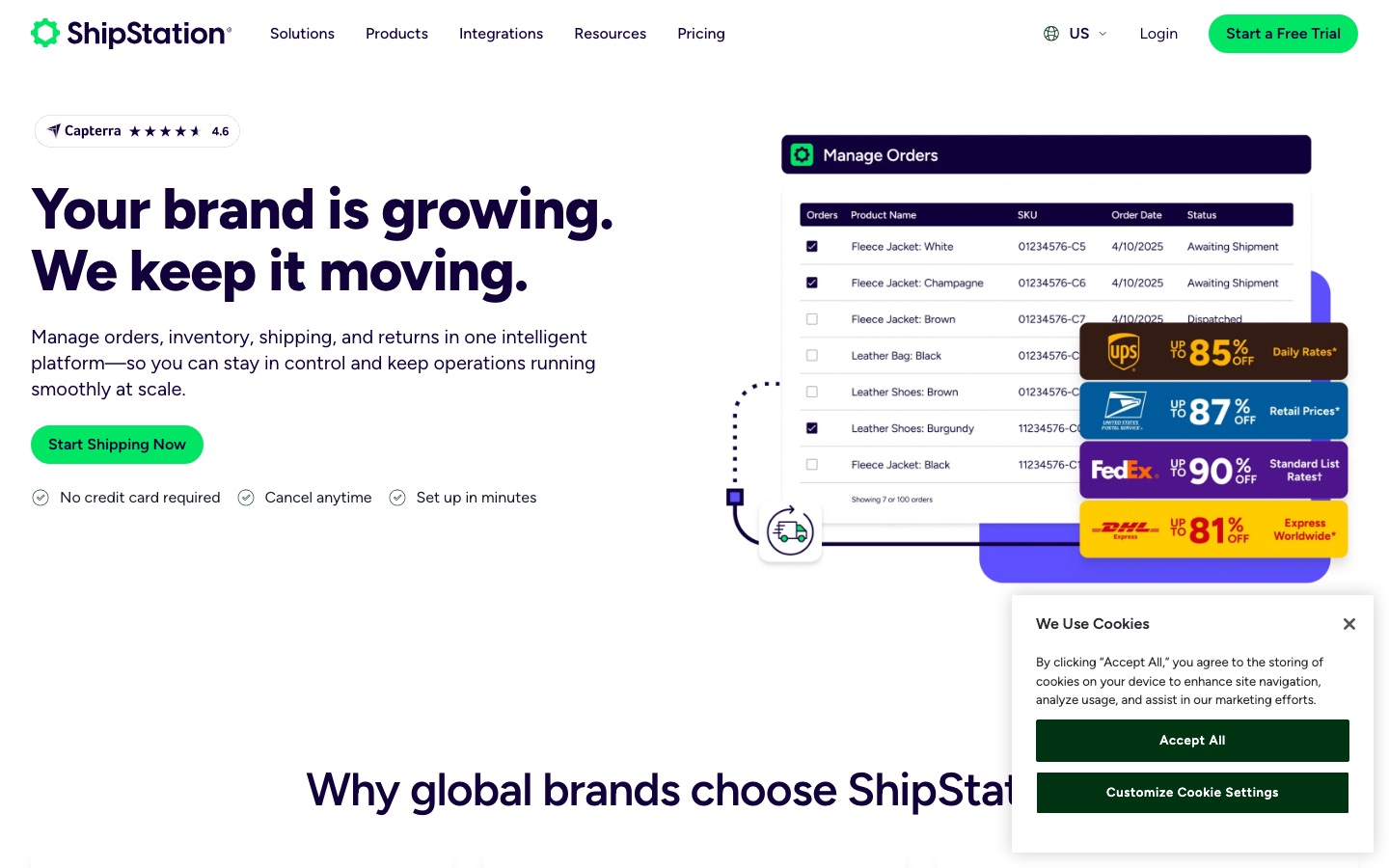
ShipStation can import orders, apply shipping rules, create labels, send shipment information back to connected stores, and support tracking and returns. It does not fix inaccurate product weights, uncertain inventory, unclear packing decisions, or an order source that sends incomplete data.
Build the workflow around a normal order and its exceptions. A routine order should move quickly with very few choices. An unusual address, backorder, hazmat item, international shipment, split order, or expensive service should stop in a visible place with a named owner.
The starting point
Choose one system to own each important fact: the store or order manager owns the sellable order, the inventory system owns available stock, ShipStation owns the shipping work, the carrier owns movement, and the accounting system owns the financial record. Document any exception to that rule.
The process
Work through the decision in a sensible order
Clean the order before it reaches shipping
Standardize SKUs, weights, dimensions, addresses, requested service, warehouse, and special handling upstream. Do not use automation to hide missing product data.
- • Unique SKU and product name
- • Packed weight and dimensions
- • Ship-from location
- • Requested service and notes
Connect one order source first
Start with the channel that has the clearest data and a manageable order count. Check how payment, cancellation, edits, tags, notes, and partial fulfillment arrive.
- • Import timing
- • Paid and hold status
- • Edits and cancellations
- • Shipment update returned to store
Use a small rule set
Automate only decisions that are stable and easy to explain, such as warehouse, package, confirmation, insurance, or a review tag. Keep rules in priority order and name their owner.
- • Rule purpose
- • Exact conditions
- • Conflicting rule
- • Test order and rollback
Separate routine work from exceptions
Create views or tags for ready orders, missing data, address questions, backorders, international documents, split shipments, and manager approval. Do not let difficult orders disappear inside a large batch.
- • Ready-to-ship view
- • Exception reason
- • Owner and deadline
- • Release approval
Design the physical station
Match the software flow to shelves, totes, scales, scanners, printers, packaging, and carrier pickup. Decide who can void or reprint a label and how an abandoned label is noticed.
- • Pick sequence
- • Pack verification
- • Scale and printer
- • Void and reprint control
Close the tracking loop
Confirm that the correct tracking number and carrier return to the order source and reach the customer once. Monitor failed updates instead of assuming every channel accepted them.
- • Shipment notification owner
- • Channel update result
- • Tracking page
- • Failed-update queue
Treat returns as a separate workflow
Define who approves a return, how the label is created, where the parcel arrives, when stock changes, and when the refund happens. A return label alone does not complete the return.
- • Authorization
- • Return address
- • Inspection and disposition
- • Inventory and refund timing
Owner worksheet
Write down these decisions
| Item | What to record |
|---|---|
| Order source | The connected store or order manager, import timing, and status allowed into fulfillment. |
| Automation rule | Its owner, exact condition, action, test example, and safe way to turn it off. |
| Exception | The reason an order stops, who owns it, response time, and release step. |
| Packing proof | The scan, weight, checklist, or other control used to catch a wrong item before handoff. |
| Daily close | Unshipped orders, failed imports, failed channel updates, voided labels, missed pickups, and unresolved returns. |
Red flags
Slow down when any of these appear
- Several systems can change the same order or inventory status.
- Rules assign services without checking weight, destination, cutoff, or promised delivery.
- Staff print large batches before confirming inventory and order changes.
- A cancelled order can still reach the packing station.
- Tracking failures and voided labels have no daily owner.
- Returns update refunds and inventory at different times without a reconciliation step.
Action plan
Turn the guide into a short piece of work
- Map one normal order from checkout through carrier handoff.
- Fix product and address data before building automation.
- Connect one channel and test imports, edits, cancellations, and shipment updates.
- Add a few high-confidence rules with visible exception tags.
- Run normal and unusual orders through the real packing station.
- Create a daily close report before adding more stores or volume.
If this workflow matches the way your team ships, review ShipStation's current plans (opens in a new tab) as part of the same controlled comparison.
Editorial method
How this guide was prepared
Commerce Stack Guide reviewed the official sources below and translated the decision into a small-business workflow. The guide does not claim hands-on testing and does not replace accounting, legal, privacy, security, or other professional advice where those reviews are needed.
Product prices and limits change. Use the worksheet to verify current details with representative data and a reversible test before committing.
Sources