The short answer
Choose between a mailing desk and an ecommerce shipping desk
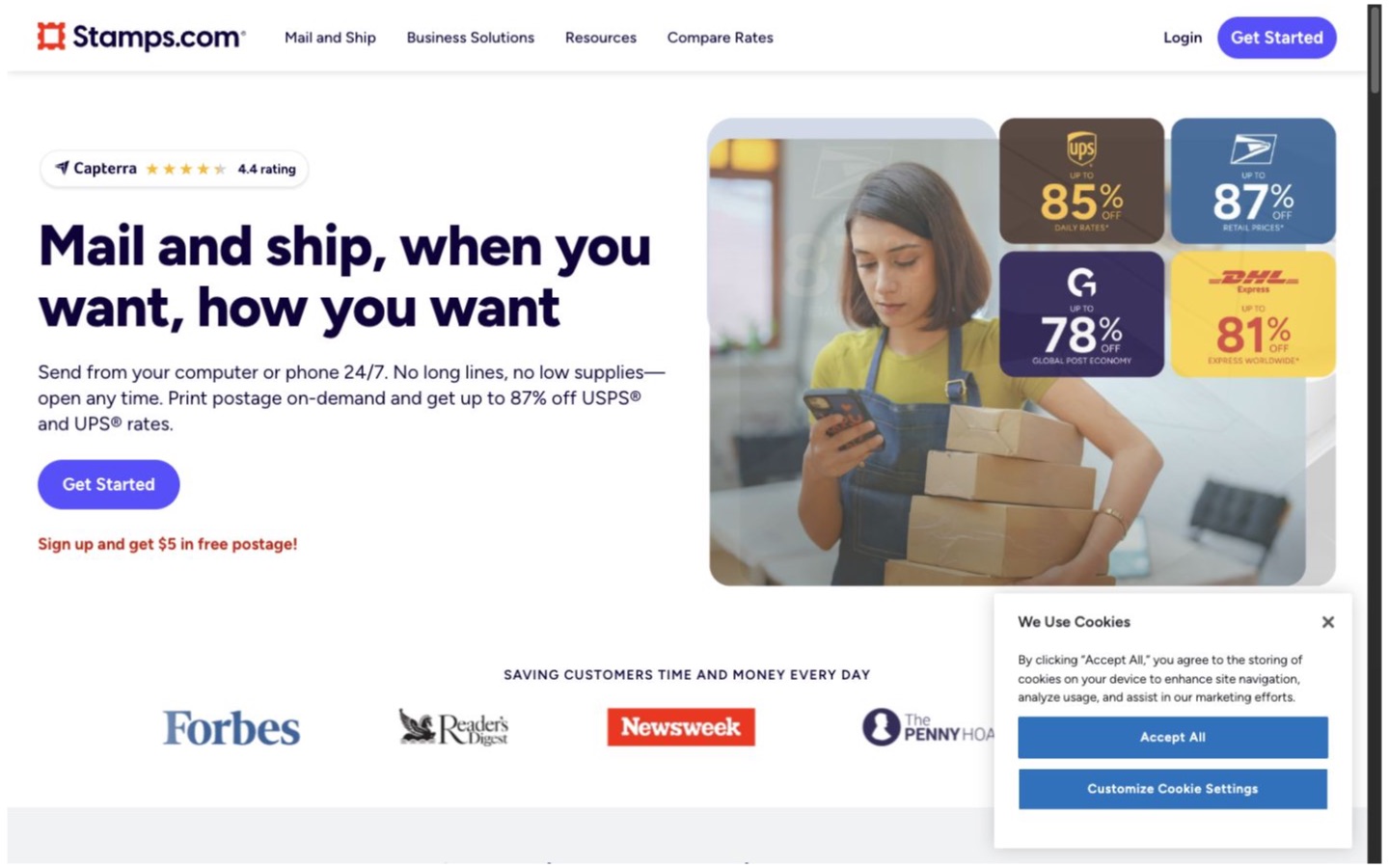
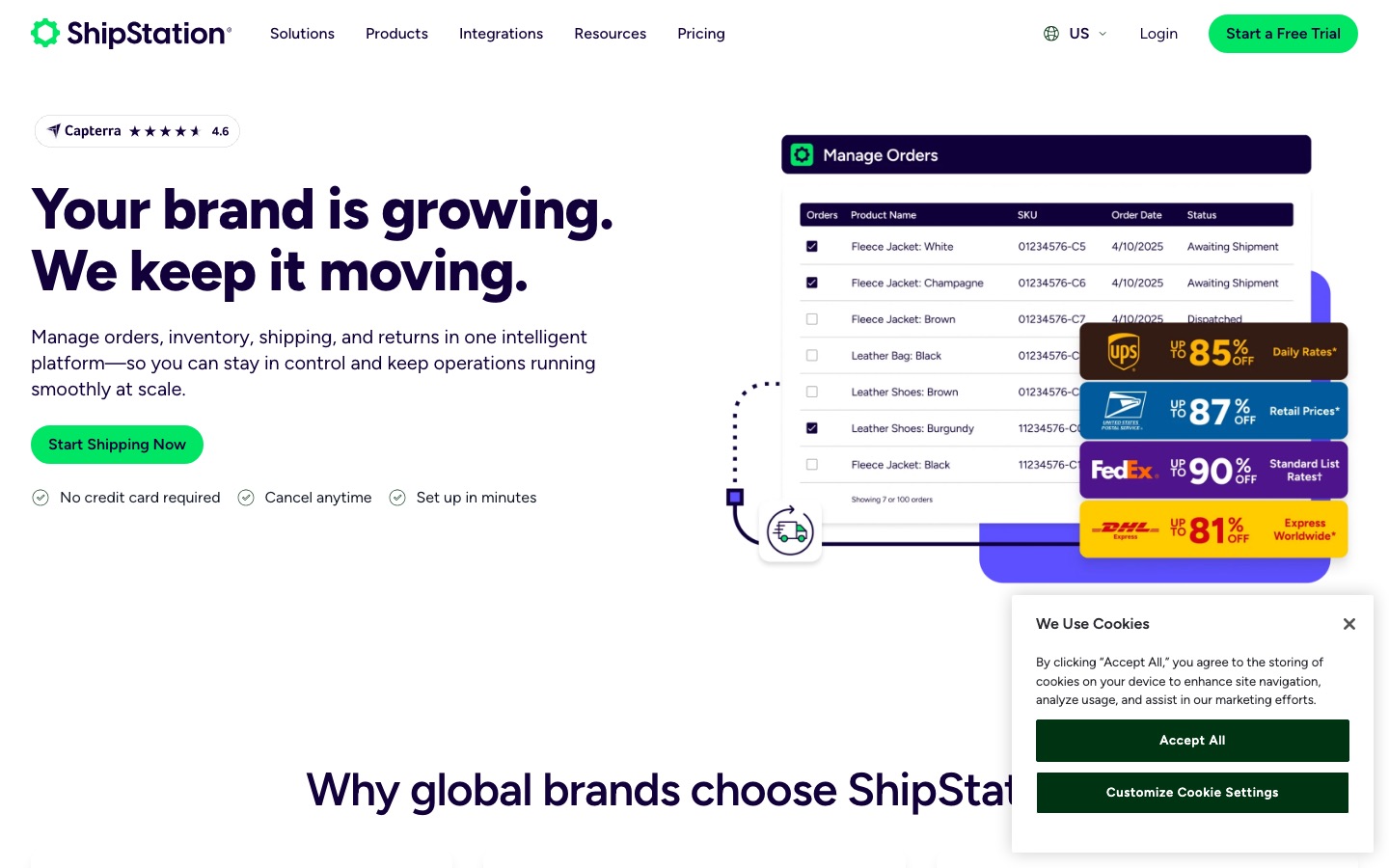
Stamps.com is the more natural starting point for a US office that sends business mail and a modest number of packages. ShipStation makes more sense when orders from several stores or marketplaces need to flow through one shipping team. If the business already uses Stamps.com for USPS postage, it may be able to connect that account to ShipStation instead of replacing it.
Stamps.com has added ecommerce orders, automation, multiple carriers, and return labels, so calling it only a stamp printer is outdated. The real difference is where each product puts the work. Stamps.com starts with everything an office sends. ShipStation starts with ecommerce orders that must be packed, labeled, tracked, and returned.
| Business situation | Where to start | Why |
|---|---|---|
| An office sends letters, Certified Mail, and occasional packages | Start with Stamps.com | Mailing tools are central to the product, and the current plans include stamps, labels, address tools, and pickups. |
| Orders arrive from several stores or marketplaces | Start with ShipStation | Its main job is collecting ecommerce orders into one shipping workspace. |
| The business already has a Stamps.com account and wants a larger shipping workflow | Use both | ShipStation documents a supported connection to an existing Stamps.com account. |
| One person prints no more than 10 package labels a month | Price Stamps.com Basic | The current Basic plan covers light mailing and up to 10 shipping labels, but its support is self-service. |
| Several warehouse workers need controlled access | Test ShipStation Standard | ShipStation documents shipping-specific permissions; Stamps.com reserves its fuller location controls for Multi-Location. |
| The company needs a customer-facing returns process | Test ShipStation | Stamps.com creates several kinds of return labels, while ShipStation documents a wider RMA, portal, and exchange workflow. |
Plans and volume
The cheapest plans are built for different jobs
Stamps.com's current plan table (opens in a new tab) lists Basic at $14.99 per month for one user, up to 25 stamps, and up to 10 shipping labels. Professional is $29.99 per month for three users, unlimited stamps and labels, Certified and Registered Mail, batch printing, international shipping, reports, and live support. Multi-Location starts at $49.99 per month and adds more users, locations, permissions, and reporting.
ShipStation's pricing page (opens in a new tab) organizes its plans around monthly shipment levels and shipping operations. Starter includes three users and basic automation. Standard includes ten users, unlimited automation types, permissions, API access, phone support, and more order and returns tools. The plan cost can rise as shipment volume grows.
A business that mails documents and ships five packages a month should not pay for a warehouse workflow it will not use. A store shipping hundreds of orders should not choose a plan around its letter-postage features. Price the real label count, users, carriers, returns, support, and any account-connection fees.
Mail and packages
Stamps.com keeps business mail in the same place
Stamps.com's plan table covers stamps, envelopes, Certified Mail, Registered Mail, address verification, contact management, pickups, and shipping labels. Its shipping overview (opens in a new tab) also documents rate comparison, batch labels, return labels, tracking, refunds, and carriers including USPS, UPS, DHL, and GlobalPost.
That mix is useful for a law office, accounting firm, property manager, or small seller that handles mail and packages at the same desk. ShipStation is a better fit when letters are incidental and the daily work begins with paid ecommerce orders waiting to be fulfilled.
Orders and automation
Both import orders, but test the exact store connection
The Stamps.com ecommerce help center (opens in a new tab) covers connected stores, imported orders, product records, service mapping, automation, packing slips, and shipment notifications. Its order-import guide (opens in a new tab) says the browser version can import connected-store orders automatically, while the PC software requires a manual import.
Stamps.com automation rules (opens in a new tab) use ordered if-then logic and apply to newly imported orders. The documentation says there is no stated rule-count limit, but rules require the browser product and a connected store. ShipStation's automation reference (opens in a new tab) documents a broad set of order conditions and shipping actions, with plan differences between basic and unlimited automation.
Connect the real Shopify, WooCommerce, Amazon, eBay, or other account before deciding. Import paid, unpaid, split, edited, cancelled, international, and multi-item orders. Confirm which orders appear, which fields survive, when tracking returns to the store, and what happens after an order changes.
People and controls
Count the workers, then test what each person can change
Stamps.com's user guide (opens in a new tab) documents controls for adding funds, viewing reports, buying supplies, cost codes, and per-print postage limits. The available roles depend on the plan. Its current pricing page lists one user on Basic, three on Professional, and ten per location on Multi-Location, where fuller location permissions appear.
ShipStation's permission guide (opens in a new tab) is more directly tied to ecommerce shipping work. A manager can restrict access to settings, stores, warehouses, carrier accounts, reports, and specific shipping actions. Current Standard plans include ten users and list permissions; Starter includes three users without that permissions feature.
During the trial, create the owner, warehouse lead, packer, and customer-service roles the business really uses. Check who can buy postage, change an address, edit a rule, connect a store, void a label, see every order, and export history. A shared administrator login is not a workable permission plan.
Carriers and connection
An existing Stamps.com account can follow you into ShipStation
Stamps.com and ShipStation both provide access to several carriers and discounted rates. ShipStation's carrier guide (opens in a new tab) describes its included carrier accounts and the single ShipStation Balance used to fund them. Carrier availability, merchant-account fees, services, and rates vary by plan and country.
More importantly, ShipStation documents a Stamps.com connection (opens in a new tab) for US accounts. An existing Stamps.com account can supply USPS services inside ShipStation, multiple Stamps.com accounts can be connected, and ShipStation says that connection is exempt from its Your Carriers add-on fee. Support must enable the Stamps.com connection tile.
Compare ten recent parcels with the same box, dimensions, weight, origin, destination, insurance, and service promise. Keep the final carrier invoice beside the quoted rate. The best-looking discount can disappear after residential, dimension, address-correction, and other adjustments.
Returns and tracking
A return label and a returns operation are not the same thing
Stamps.com's ecommerce return guide (opens in a new tab) documents prepaid labels, QR-code returns, and pay-on-use labels for eligible domestic shipments and plans. That can be enough when a small team approves returns manually and mainly needs a simple way to get the package back.
ShipStation's returns documentation (opens in a new tab) includes RMAs, a customer portal, manual labels, centralized status, and eligible Shopify exchanges. These features matter only when the business has decided who approves a return, receives it, checks the item, updates inventory, sends an exchange, and issues the refund.
A practical test
Run one week of old orders before switching
- Choose 30 completed orders covering the normal parcel mix and the difficult exceptions.
- Add five real mailing jobs if letters, Certified Mail, or address lists matter to the business.
- Import the orders into safe trial accounts without buying duplicate postage.
- Build the five rules most likely to prevent a shipping mistake.
- Create each real staff role and finish the work using only that person's access.
- Price the same ten parcels and record subscriptions, add-ons, postage, and expected adjustments.
- Walk through one failed label, void, address correction, international shipment, and return.
- Choose the workflow that needs fewer corrections and less knowledge stored in one employee's head.
Decision
Buy for the work that fills the day
Choose Stamps.com when
One office needs mailing and shipping together, the current label and user limits fit, and its store connections and rules pass the order-import test.
Read the Stamps.com profileChoose ShipStation when
Ecommerce orders from several channels feed one team and shipping-specific rules, permissions, carrier connections, and returns save enough work to justify the separate system.
Read the ShipStation profileUse both when a current Stamps.com postage account still serves the business but the ecommerce team needs ShipStation's operating layer. Choose neither when inventory, purchasing, warehouse management, or outsourced fulfillment is the real problem. Review the shipping software category before asking a label tool to become a larger business system.
If ShipStation wins the test, compare ShipStation's current plans (opens in a new tab) at the shipment level and user count the team expects over the next six months.
Editorial method
How this comparison was researched
Commerce Stack Guide reviewed 14 official Stamps.com and ShipStation pages on August 21, 2026. The research covered current plans, mailing, ecommerce order imports, automation, carriers, users, permissions, the Stamps.com connection inside ShipStation, returns, and rollout risk. The article builds on early search demand around Stamps.com and ecommerce shipping.
This is documentation research. No live postage purchase, store connection, warehouse shift, carrier invoice, return, or support case was tested. Plans, limits, rates, integrations, and carrier rules change. Confirm them for the actual account, origin, channels, and parcel mix before switching.
Evidence
Official sources
- SSC01: ShipStation Pricing
ShipStation
- SSC02: Learn About ShipStation Subscription Plans
ShipStation
- SSC03: ShipStation Carriers
ShipStation
- SSC04: Automation Rules Criteria and Actions
ShipStation
- SSC05: Set User Permissions and Restrictions
ShipStation
- SSC06: Returns in ShipStation
ShipStation
- SSC07: Connect Stamps.com to ShipStation
ShipStation
- STC01: Stamps.com Pricing and Plans
Stamps.com
- STC02: Stamps.com Shipping Software
Stamps.com
- STC03: Stamps.com Ecommerce Help
Stamps.com
- STC04: Import Orders from a Store
Stamps.com
- STC05: Using Automation Rules
Stamps.com
- STC06: Manage Account Users
Stamps.com
- STC07: Create an Ecommerce Return Label
Stamps.com