The short answer
Choose for the work your team does every day
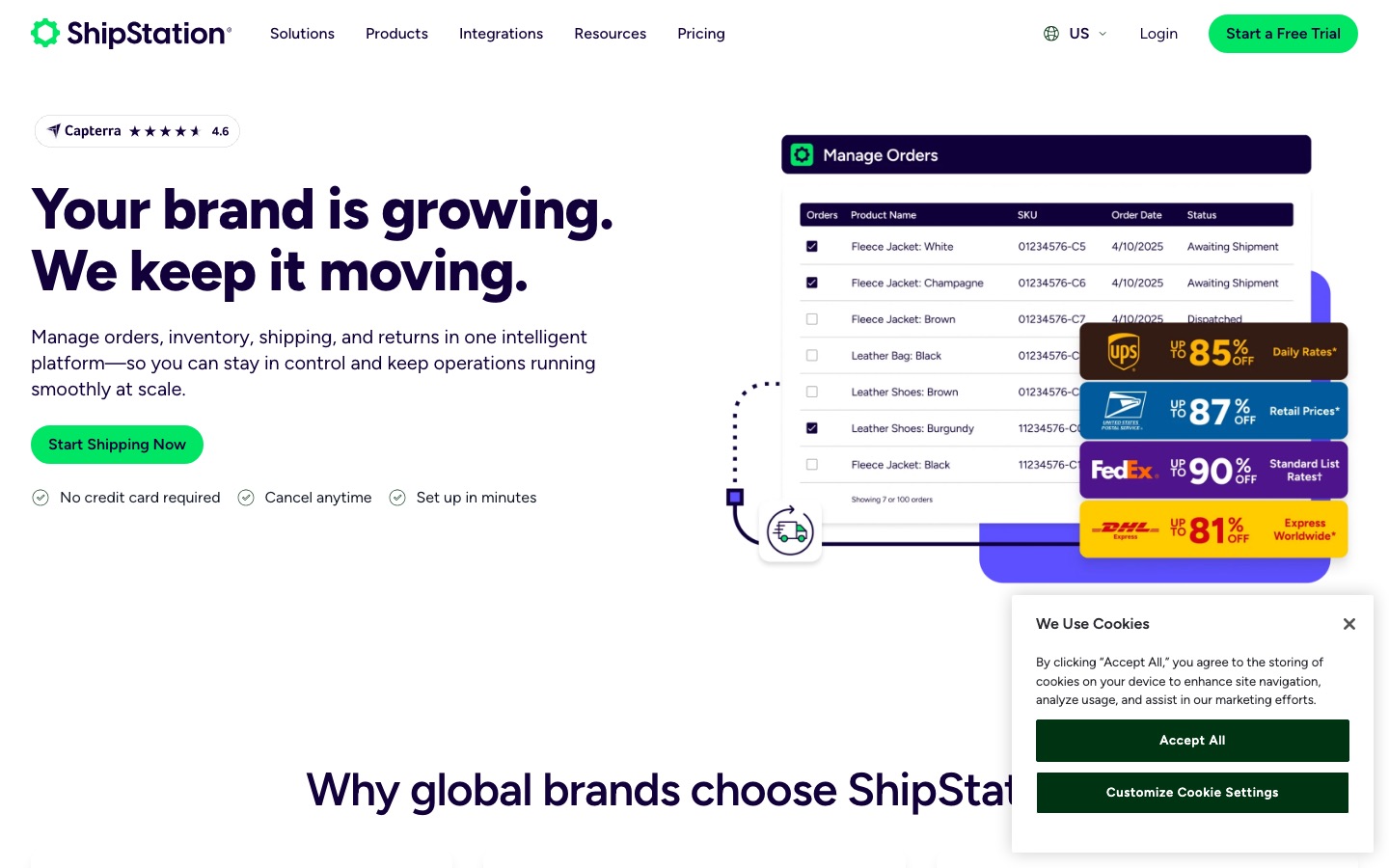
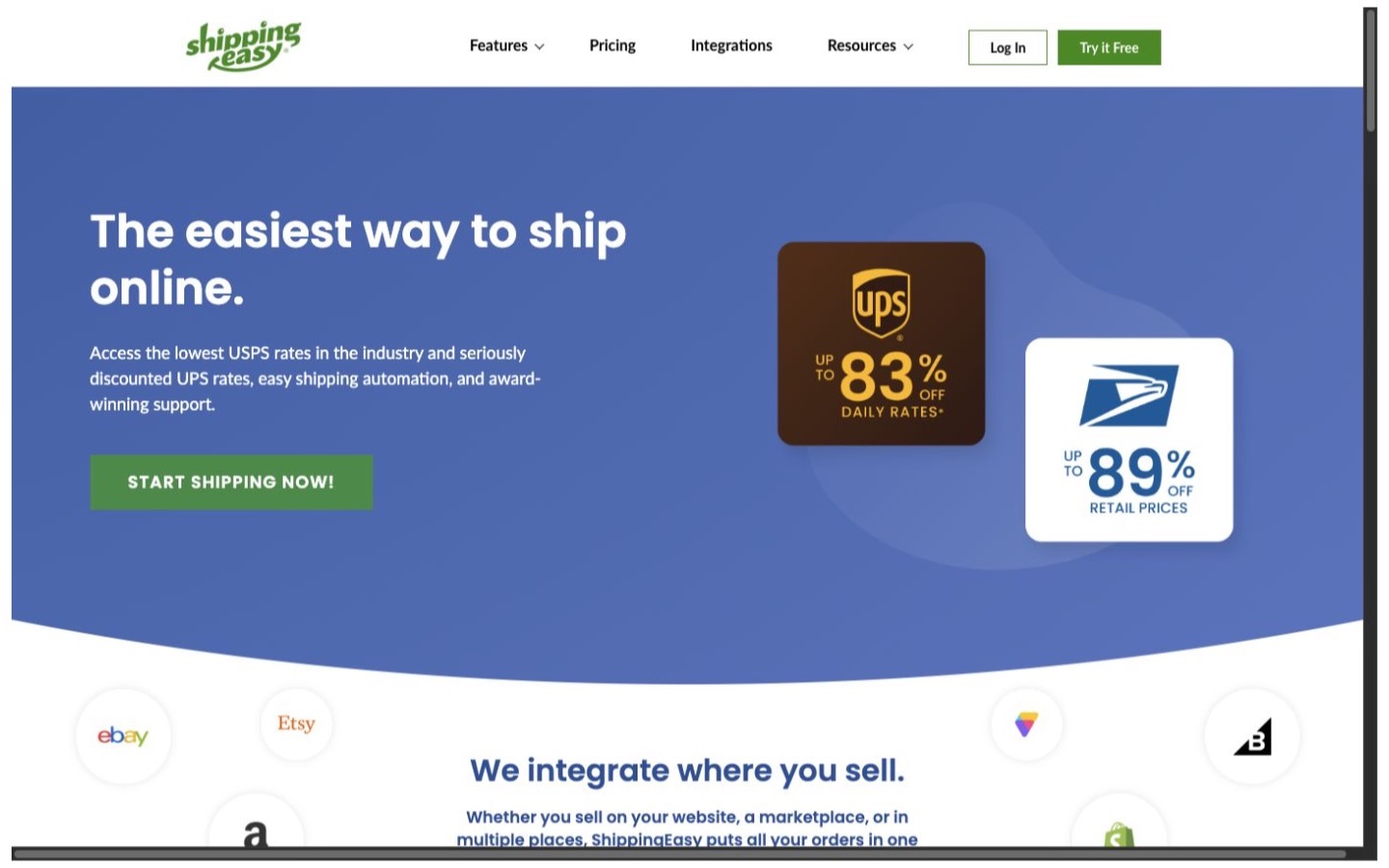
ShippingEasy is the easier first test for a very small US operation that wants a free entry point or simple shipment-based paid tiers. ShipStation makes more sense when several people share the work, the rules are more involved, or returns and warehouse controls are becoming part of the decision.
Neither name tells you what the warehouse will feel like at 4 p.m. on a busy Monday. Import the same orders, rebuild the same rules, and let the people who actually pack boxes use both systems. The better choice is the one that produces the right label with fewer corrections and fewer decisions left in someone's memory.
| Business situation | Where to start | Why |
|---|---|---|
| The store ships no more than 25 simple orders a month | Try ShippingEasy first | Its documented free plan is enough to test the basic workflow, although direct support is not included. |
| Three to ten people need separate shipping access | Start with ShipStation | Current plans include three users on Starter and ten on Standard; permissions are available above Starter. |
| The owner wants phone help on a small paid plan | Compare ShippingEasy | ShippingEasy documents email, chat, and phone support on paid plans. ShipStation adds phone support at Standard. |
| The team needs a customer-facing return and exchange process | Start with ShipStation | Its current returns documentation covers RMAs, a self-service portal, manual labels, and Shopify exchanges. |
| The business uses negotiated UPS or FedEx rates | Price both carefully | Both products document extra plan or add-on considerations for connecting a merchant's own carrier accounts. |
| The store has simple labels but no stable shipping process | Fix the process first | Software will not resolve missing weights, inconsistent boxes, unclear service rules, or unowned exceptions. |
Price and volume
Compare the plan at your real shipment count
ShippingEasy's plan overview (opens in a new tab) documents a free plan for up to 25 monthly shipments and paid tiers that increase shipment and user allowances. Its paid plans include unlimited stores, branded tracking, branded packing materials, and USPS scan forms. The lowest paid tier starts at 200 shipments, while higher tiers add users and volume.
ShipStation's current pricing page (opens in a new tab) uses a plan plus shipment-volume model. Starter includes three users and basic automation. Standard includes ten users, unlimited automation types, phone support, user permissions, API access, and more order and returns tools. Premium is a much larger step intended for more involved warehouse and inventory work.
Do not compare only the lowest number on each page. Price the exact shipment tier, required users, carrier connections, return labels, insurance, postage, and any add-ons. Then add the cost of correcting addresses, repacking boxes, reprinting labels, and training occasional workers. A cheaper plan can still be the more expensive operation.
Orders and stores
The order import must be boring and dependable
ShippingEasy's Shopify guide (opens in a new tab) explains which physical, unfulfilled orders import, what data comes across, and how tracking and fulfillment details return to Shopify. It also documents rules around manual fulfillment, complete addresses, and mixed digital and physical orders. These details matter because a missing line item or location is more serious than a slow screen.
Merchants with several Shopify locations should read ShippingEasy's location limits (opens in a new tab). Its documentation says inventory updates are limited to the default Shopify location even though ship-from addresses can be mapped for fulfillment notifications.
ShipStation's Shopify integration guide (opens in a new tab) covers order imports, product records, locations, fulfillment updates, and store settings. For either product, import ten unpaid, paid, split, multi-item, tagged, and manually created orders before buying labels. Compare the result to Shopify line by line.
Automation
Start with five rules that prevent real mistakes
ShippingEasy uses ordered if-then shipping rules. Its rule guide (opens in a new tab) says a new account can create up to 30 rules and explains that new or changed rules apply to incoming orders unless existing orders are run through the rules again. Rules can set shipment details and can purchase and print a label when the conditions match.
ShipStation's automation reference (opens in a new tab) covers a broad set of order conditions and shipping actions. Current Starter plans have basic automation, while Standard and Premium list unlimited automation types. That extra room matters only if the business can name the rules it needs.
Begin with heavyweight orders, expensive orders, remote destinations, special SKUs, and the service the customer paid for. Keep one sample order for every rule. When a rule changes, rerun those examples before the next live batch.
People and permissions
Give each worker only the access the job needs
ShippingEasy's permission guide (opens in a new tab) lets an owner control access to settings, postage purchases, inventory changes, all unshipped orders, and full shipment history. It also supports assigning orders so a worker can see the work intended for that person. User allowances vary by plan, from one on the free tier to unlimited on higher tiers.
ShipStation's permission documentation (opens in a new tab) and plan table make Standard the practical starting point when a team needs restricted roles. Starter includes three users but does not list user permissions. Standard includes ten users and permission controls.
During the trial, create the actual owner, warehouse lead, packer, and customer-service roles. Confirm who can change an address, buy postage, connect a store, edit a rule, reprint a label, view every order, and export shipment history. A shared owner login is not a team plan.
Carriers and postage
Your negotiated rates can change the answer
ShippingEasy includes USPS and UPS options through One Balance. Its carrier setup guide (opens in a new tab) says merchants must enable a Bring Your Own Carrier add-on before connecting existing UPS, FedEx, DHL, OnTrac, or supported consolidator accounts.
ShipStation also offers its own carrier rates and connections to merchant carrier accounts. Read its fee guide (opens in a new tab) with the plan page because account connection rules and fees vary by plan and region.
Compare ten recent parcels using the same origin, destination, box, weight, service promise, insurance, and account. Save both the quoted rate and final carrier invoice. Residential adjustments, address corrections, fuel, dimensions, and surcharges can matter more than the headline discount.
Returns and support
A return label is not the same as a returns process
ShippingEasy documents prepaid labels and USPS domestic pay-on-use labels. Its pay-on-use guide (opens in a new tab) shows how a rule can add a return label to qualifying outbound shipments. That can work well for a simple policy, but the business still needs to own approval, refund, exchange, receipt, and exception steps.
ShipStation's current returns guide (opens in a new tab) covers RMA records, manual labels, a customer portal, centralized return tracking, and Shopify exchanges. The exact portal and exchange features depend on plan, channel, carrier, and destination, so test the full customer and staff flow rather than checking a feature box.
ShippingEasy documents email, chat, and phone help on paid plans. ShipStation lists email and chat on Starter, then phone support on Standard. Ask each support team the same two real questions during the trial and record how quickly the answer leads to a working shipment.
A practical test
Run 30 old orders before changing the live process
- Choose 30 completed orders covering common boxes, destinations, carriers, and exceptions.
- Import them into safe trial accounts without purchasing duplicate postage.
- Rebuild the five rules most likely to prevent a costly shipping mistake.
- Create each real staff role and complete the job using only that role's access.
- Price the same ten parcels using the carrier accounts the business plans to keep.
- Walk through one address correction, split order, void, return, and failed label.
- Record clicks, corrections, time, quoted cost, expected fees, and unanswered questions.
- Choose only after the warehouse lead and the person handling returns agree.
Decision
Buy the simpler reliable workflow
Choose ShipStation when
The team needs more included users, controlled permissions, broader automation, or the documented returns and warehouse path—and the tested plan and carrier costs still make sense.
Read the ShipStation profileChoose ShippingEasy when
A small US operation wants the free entry point or clear shipment-based tiers, its Shopify and location limits fit, and paid-plan support is more valuable than a deeper warehouse path.
Read the ShippingEasy profileChoose neither if the real need is warehouse management, outsourced fulfillment, purchasing, or inventory planning. Compare the rest of the shipping software category before forcing a label tool to own a different job.
If ShipStation wins the test, check ShipStation's current plans (opens in a new tab) at the shipment volume the business expects to reach over the next six months.
Editorial method
How this comparison was researched
Commerce Stack Guide reviewed 15 official ShipStation and ShippingEasy pages on August 21, 2026. The research covered current plans, shipment allowances, Shopify order handling, automation, users, permissions, carrier accounts, returns, support, and rollout risk. The comparison follows early Search Console demand for this exact buying decision.
This is documentation research. No live label, warehouse shift, carrier negotiation, return, support case, or final invoice was tested. Plans, fees, integrations, and carrier rules change. Confirm them for the actual origin, parcel mix, sales channels, and account before switching.
Evidence
Official sources
- SSY01: ShipStation Pricing
ShipStation
- SSY02: Learn About ShipStation Subscription Plans
ShipStation
- SSY03: Shopify Integration Guide
ShipStation
- SSY04: Automation Rules Criteria and Actions
ShipStation
- SSY05: Set User Permissions and Restrictions
ShipStation
- SSY06: Shipment Fees by Plan
ShipStation
- SSY07: Returns in ShipStation
ShipStation
- SEY01: ShippingEasy Plans and Pricing
ShippingEasy
- SEY02: ShippingEasy Plans and Features Overview
ShippingEasy
- SEY03: ShippingEasy Shopify Integration
ShippingEasy
- SEY04: Use Shopify Locations with ShippingEasy
ShippingEasy
- SEY05: Create a Shipping Rule
ShippingEasy
- SEY06: Manage User Permissions
ShippingEasy
- SEY07: Set Up Carrier Accounts in ShippingEasy
ShippingEasy
- SEY08: Create a Pay-On-Use Return Label
ShippingEasy