The short answer
Start with the hardest shipment of the week
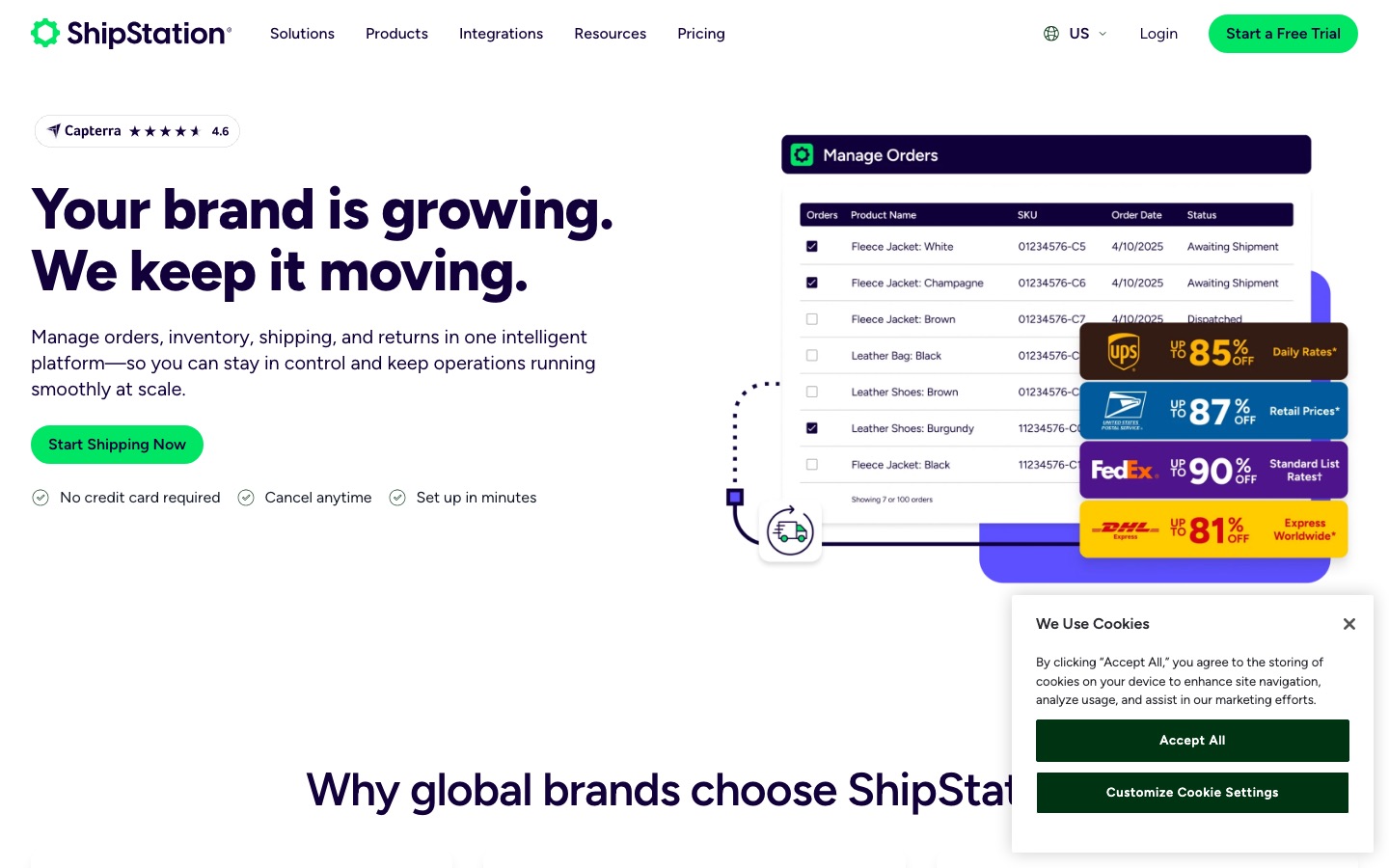
ShipStation is the more natural starting point for a shipping team that needs detailed order handling, rules, and staff restrictions. Easyship deserves the first test when selling across borders depends on showing courier choices, delivery estimates, and tax or duty information before the customer pays.
That is only a starting point. Put a light domestic order, a multi-item order, a return, and a difficult international shipment through both systems. The useful product is the one that produces the correct label and paperwork without asking a warehouse worker to remember an unwritten exception.
| Business situation | Where to start | What decides it |
|---|---|---|
| A warehouse team needs tightly limited staff access | ShipStation | Its documentation covers granular permissions and restrictions for orders, stores, warehouses, and shipping tasks. |
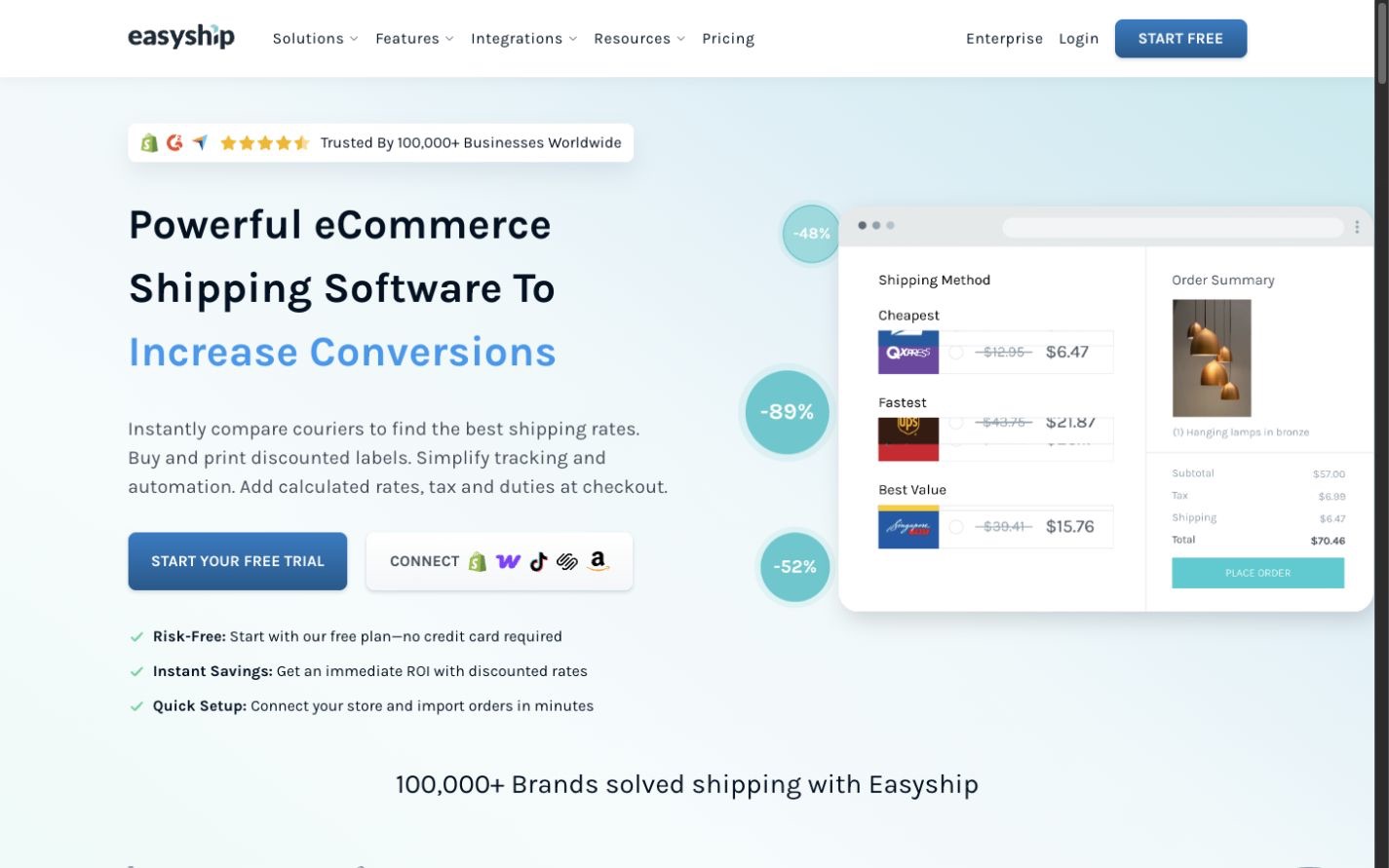
| International landed cost is part of the checkout promise | Easyship | Easyship documents courier rates plus tax and duty presentation at checkout on eligible plans. |
| The business already has negotiated carrier accounts | Price both | Both can connect carrier accounts, but plan access and per-label or shipment fees need to be checked. |
| Rules route orders by SKU, weight, destination, or tag | Test both | Both document rule systems. Recreate the five rules that cause the most shipping errors today. |
| Developers will own the shipping workflow | Compare APIs | Both provide API paths, but endpoints, quotas, billing, and the app-versus-API division are different. |
| The store ships only a few simple domestic orders | Start small | A free carrier tool or a lighter app may be enough. Do not buy complexity before the workflow needs it. |
Shopify orders
Check what arrives before thinking about labels
ShipStation's Shopify guide (opens in a new tab) documents order imports, fulfillment updates, product records, inventory behavior, locations, and store settings. Read the limitations as closely as the feature list, especially when Shopify splits an order across locations or fulfillment services.
Easyship's store settings (opens in a new tab) cover order-sync windows, automatic sync, products, fallback weights and dimensions, checkout choices, and store-level rules. Missing product data is not a harmless detail: the wrong weight, box, category, or origin can change the rate and customs paperwork.
Import ten orders without buying labels. Compare addresses, SKUs, quantities, tags, paid status, requested service, origin, weight, and dimensions against Shopify. Fix that handoff before adding automation.
Shipping rules
Automate decisions only after the exceptions are written down
ShipStation's rule reference (opens in a new tab) lists conditions and actions for imported orders. Easyship's rule guide (opens in a new tab) covers destination, SKU, item count, order tag, value, weight, store, origin, boxes, courier choice, tracking level, delivery time, duties, and insurance. Easyship also explains that rule priority matters when two rules conflict.
Start with five rules that prevent expensive mistakes: hazmat or restricted products, heavyweight parcels, remote destinations, high-value insurance, and the customer's paid service. Keep a sample order for each rule. When a new rule changes an old result, the samples should expose it before the warehouse does.
International selling
Easyship makes duties a more visible part of the decision
Easyship's checkout guide (opens in a new tab) documents estimated tax and duty information, prepaid and post-paid choices, and related handling fees on eligible plans. The feature depends on correct product value, category, origin, destination, and service data. An estimate is still an estimate, so the store's customer copy and refund policy need to be clear.
ShipStation supports international shipping workflows, but this decision should not be reduced to the number of carriers shown on a vendor page. For the five countries that matter most, compare the exact services available from the warehouse, negotiated rates, delivery estimates, tracking, prohibited goods, paperwork, duty handling, adjustments, and claims.
The real bill
Subscription price is only one line
ShipStation's plan page (opens in a new tab) and fee guide (opens in a new tab) should be read together. Plan limits, connected carrier choices, users, shipments, and some fees can affect the monthly total.
Easyship's plan table (opens in a new tab) separates features such as automatic order sync, checkout rates, multiple origins, duties at checkout, returns, rules, exports, and API allowances. Its carrier-account guide (opens in a new tab) says labels bought through a connected personal courier account can carry a plan-dependent fee, while labels using Easyship rates do not carry that fee.
Build the comparison from last month's shipments. Include the plan, labels, insurance, connected-account fees, API overages, address corrections, residential and fuel surcharges, duty handling, voided labels, return labels, and worker time. Vendor discount percentages do not show what your actual parcel mix will cost.
People and systems
Decide who can buy a label and who can change the rules
ShipStation documents user permissions and restrictions for parts of the shipping workflow. Easyship's permission guide (opens in a new tab) separates billing, shipment creation, shipment management, settings, products, rules, integrations, and analytics. Recreate the owner, warehouse lead, packer, customer-service worker, and developer roles during the trial.
If developers will call the platform directly, compare ShipStation's API with the Easyship API (opens in a new tab) using the same rate, label, tracking, cancellation, and error cases. Easyship documents plan quotas and possible overage charges for advanced endpoints. An API project also needs monitoring, retry rules, idempotency, and a manual shipping fallback.
A warehouse test
Run 25 orders without changing the live process
- Select orders covering the most common boxes, services, destinations, and exceptions.
- Import them into a safe account without buying or transmitting duplicate labels.
- Rebuild the five highest-risk rules and compare their chosen service and package.
- Check domestic, international, return, split-location, and multi-item paperwork.
- Let each worker complete the job with only the permissions intended for that role.
- Compare quoted cost, final invoiced cost, clicks, corrections, and time per order.
- Export the shipment history and document how to disconnect the store and carriers.
Decision
Choose the one that removes shipping exceptions
Choose ShipStation when
The tested order workflow, automation rules, carrier setup, and staff restrictions fit the warehouse, especially when international checkout calculation is not the main buying reason.
Read the ShipStation profileChoose Easyship when
International courier choice and duty presentation matter at checkout, and its plan, connected-account fees, permissions, and rules fit the real parcel mix.
Read the Easyship profileChoose neither by default if a 3PL, warehouse management system, marketplace tool, or carrier portal must own the work. Browse the shipping software category and keep the system-of-record boundary clear.
If ShipStation is the stronger fit, review ShipStation's current plans (opens in a new tab) before opening the test account.
Editorial method
How this comparison was researched
Commerce Stack Guide reviewed 14 official ShipStation and Easyship pages on August 20, 2026. The research covered plans, Shopify orders, rules, carrier accounts, duties, permissions, APIs, exports, fees, and rollout risk. The decision criteria and preliminary conclusion were recorded before drafting.
This is documentation research. No live warehouse, label purchase, rate negotiation, customs entry, claim, support case, or API integration was tested. Carrier availability, rates, fees, plans, and cross-border rules change; verify them for the actual origin, destination, product, and account.
Evidence
Official sources
- S01: ShipStation Pricing
ShipStation
- S03: Shopify Integration Guide
ShipStation
- S05: Automation Rules Criteria and Actions
ShipStation
- S08: Set User Permissions and Restrictions
ShipStation
- S12: Shipment Fees by Plan
ShipStation
- S16: Export Shipment Records
ShipStation
- ES01: Easyship Plans and Pricing
Easyship
- ES02: Easyship Store Settings
Easyship
- ES03: Automate Tasks with Shipping Rules
Easyship
- ES04: Duties and Taxes at Checkout
Easyship
- ES05: Own Courier Account Labelling Fees
Easyship
- ES06: Restrict Team Member Access
Easyship
- ES07: Export Easyship Shipments
Easyship
- ES08: Easyship API Overview
Easyship