The short answer
These products start at very different levels
FraudLabs Pro is the more realistic first look for a small store that wants public prices, a free or lower-cost entry point, ecommerce plugins, and rules it can manage directly. SEON is the more natural fit for a larger risk operation that can justify its current entry price and will use a broader API, device, scoring, role, and transaction-analysis setup.
The bigger decision is what happens after a score appears. Someone must decide what goes straight through, what waits for review, what evidence is checked, who can override a result, and how the final outcome gets recorded. A fraud tool can reduce risk only when that process protects good customers too.
| Business situation | Where to start | Why |
|---|---|---|
| A small store needs a low-cost first screening layer | FraudLabs Pro | It publishes a free tier and several self-service paid tiers with query and rule limits. |
| A dedicated risk team needs a broader API and analysis workspace | SEON | Its documented Starter plan and platform are aimed at a more involved fraud operation. |
| Shopify is the only integration needed | Pilot both | Both document current Shopify apps, scoring, and automated order actions. Their setup and data collection differ. |
| The team wants automatic decline on day one | Neither | Start in observation and review mode. Measure good orders caught by the rules before allowing an automatic rejection. |
| Device data is a major signal | Test the full setup | Both require storefront or client-side work for richer device information. Confirm what the actual checkout can collect. |
| Nobody owns manual review and feedback | Fix the process first | A score does not investigate an order, contact a customer, document a reason, or teach the business from mistakes. |
Price and scale
First ask whether they belong on the same shortlist
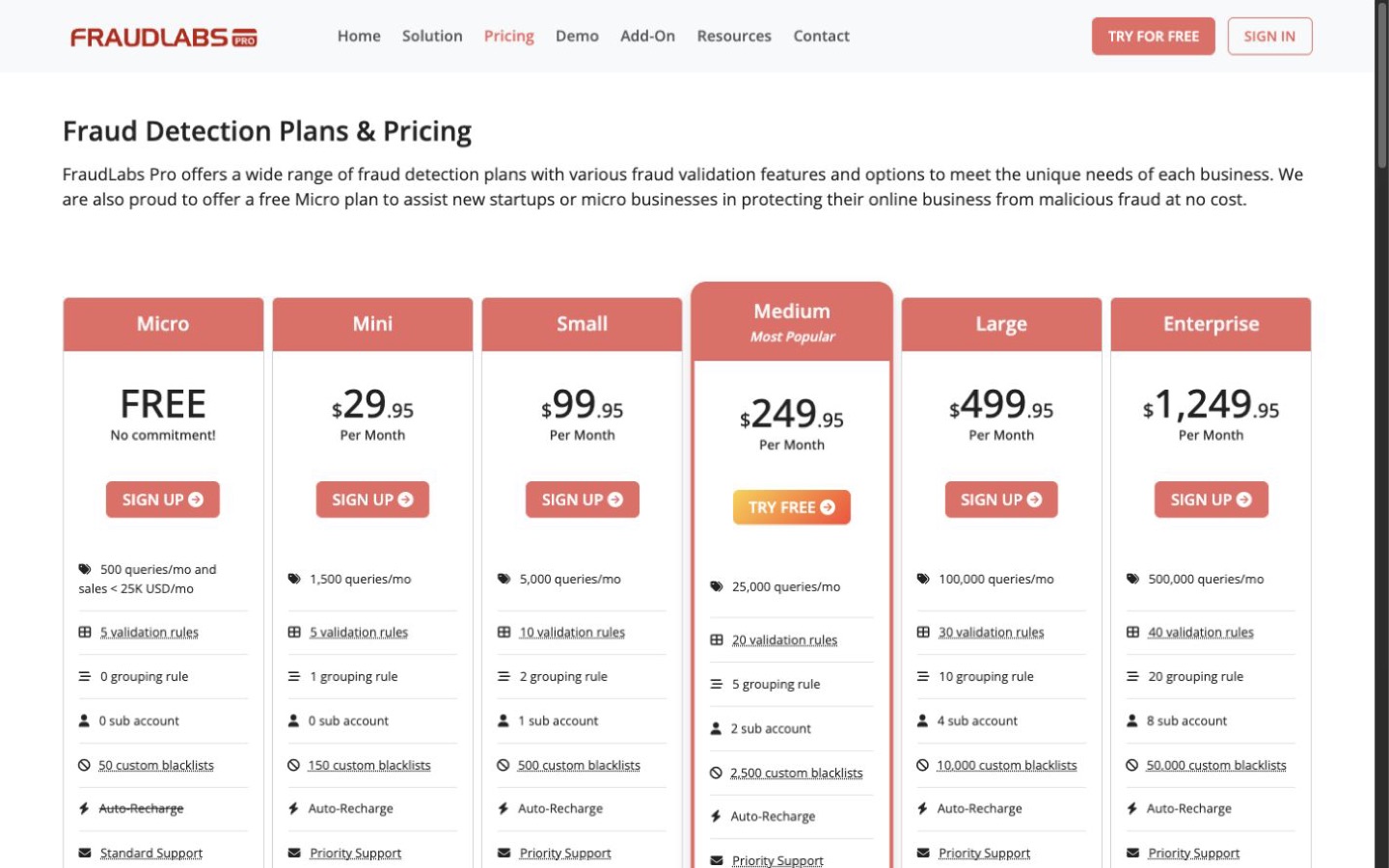
FraudLabs Pro's published pricing (opens in a new tab) starts with a free Micro plan and moves through paid tiers based on monthly queries, rules, grouping rules, subaccounts, blacklists, and advanced checks. The free plan also carries a monthly-sales condition, so a store should not choose it from query count alone.
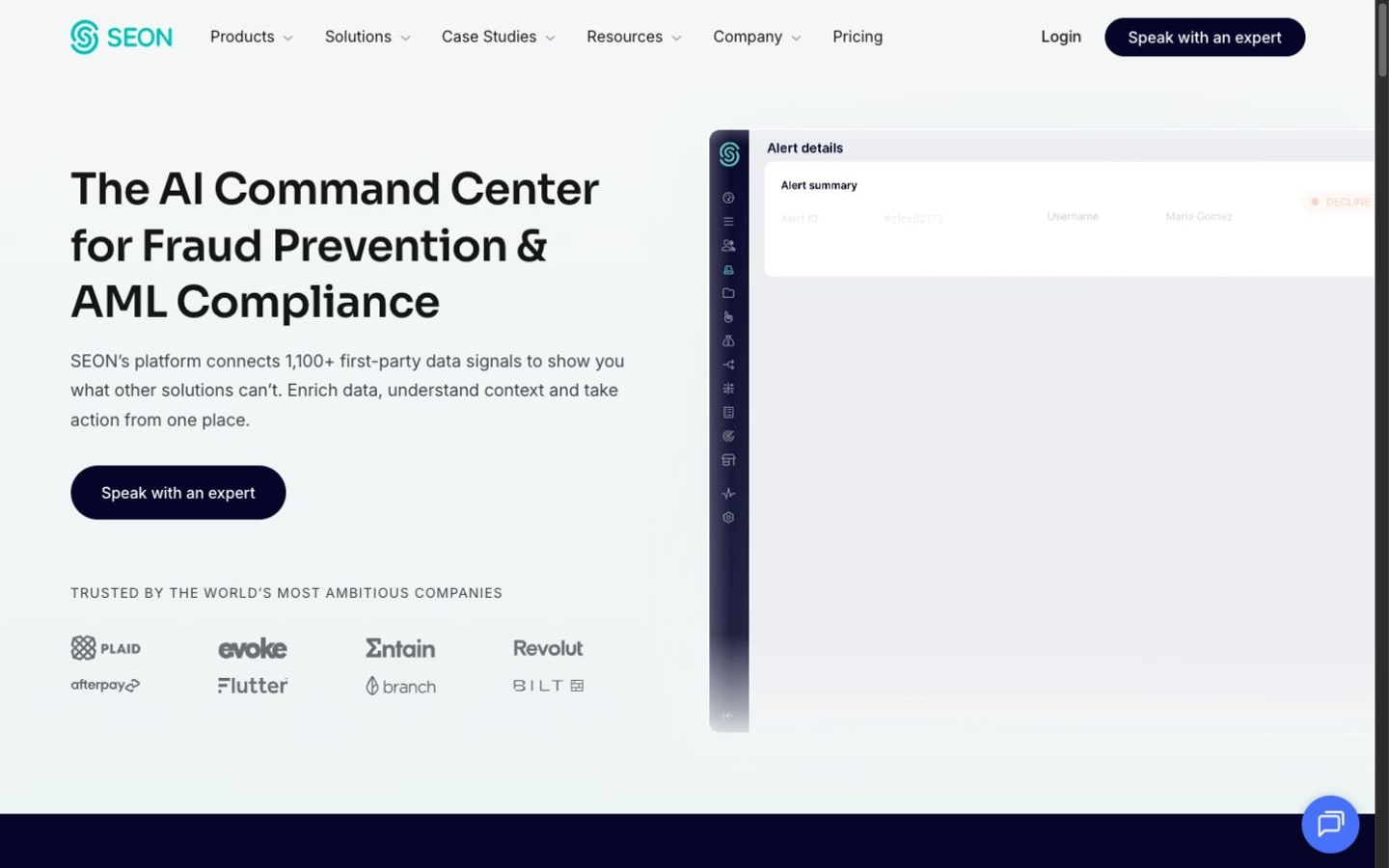
SEON's current pricing page (opens in a new tab) lists a $699-per-month Starter plan with 2,500 fraud checks, 10 users, and 50 custom rules, plus a custom Premium plan. That makes SEON a different budget decision before the feature comparison even begins.
Estimate twelve months using order volume, peak-month checks, retries, test traffic, added products, implementation work, manual-review hours, false declines, chargebacks, and the cost of delayed fulfillment. A cheap screening bill can still be expensive if bad rules hold normal orders.
Shopify
Both can score orders, but the store actions need supervision
FraudLabs Pro's Shopify setup guide (opens in a new tab) says its app creates default validation rules and can return approve, review, or reject results that affect order handling. Those defaults are a starting point, not a fraud policy. Review each condition and make sure fulfillment staff know what a held order looks like.
SEON's 2026 Shopify guide (opens in a new tab) describes order, transaction, customer, device, score, rule, state, payment, fulfillment, cancellation, and tagging behavior. It also notes that the analysis runs once when a successful transaction is created; later order changes are not reflected, and zero-price orders are not analyzed.
Run the first weeks in observation or manual-review mode. Do not let a new score automatically cancel paid orders until the owner has compared results with known chargebacks, friendly customers, international buyers, gift orders, expedited orders, and legitimate address mismatches.
Signals and rules
More data is useful only when the team knows how it changes a decision
FraudLabs Pro documents IP, billing, shipping, email, payment, blacklist, velocity, device, product, and other plan-dependent rule inputs. Its rule list (opens in a new tab) shows why the intended paid tier matters: some conditions are limited to higher plans.
SEON's Fraud API (opens in a new tab) can combine email, phone, IP, BIN, AML, device, custom fields, applied rules, and scoring in a modular request. The decisioning guide (opens in a new tab) explains that rules feed a score and state, with custom rules able to approve, review, decline, raise, or lower a score.
For each rule, write a plain sentence: the behavior it catches, the action it takes, the person who reviews it, and the example of a good customer who might trigger it. If the team cannot explain a rule, it should not cancel an order.
Device data and APIs
The useful signal depends on a correct implementation
FraudLabs Pro's Agent JavaScript guide (opens in a new tab) says device validation for a direct REST integration depends on client-side data passed with the order. Its screen-order endpoint (opens in a new tab) accepts order, customer, address, payment, and device-related inputs and returns a score, status, triggered rules, and remaining query balance.
SEON also uses a client-side device component with its Fraud API. A technical pilot should cover missing scripts, privacy or consent controls, ad blockers, slow enrichment calls, duplicate transaction IDs, timeouts, retries, partial responses, and a safe fallback when the service is unavailable. Do not send data merely because a field exists; document why the business needs it and how long it will be kept.
People and review
A small queue still needs an owner
FraudLabs Pro's subaccount guide (opens in a new tab) ties additional users to paid tiers and allows read or write access across several parts of the merchant area. SEON's settings guide (opens in a new tab) documents administrators, fraud analysts, custom roles, sandbox-only access, keys, and two-factor authentication.
Give analysts transaction access without giving every worker the ability to change rules, keys, or billing. Set a review deadline that matches the store's fulfillment promise. Record the evidence checked and the final reason. Feed confirmed good and bad outcomes back where the product supports it, and review overrides weekly for rules that are hurting normal buyers.
SEON documents transaction exports and export history. FraudLabs Pro provides transaction and report access within its plan and permission model. Before signing a contract, export enough records to confirm that the business can audit decisions without depending on screenshots.
A safer test
Score old orders before touching new ones
- Select a representative set of past orders with known good, chargeback, refund, cancellation, and review outcomes.
- Remove data the test does not need and confirm the provider's data terms before uploading anything.
- Define approve, review, and decline thresholds without connecting them to live fulfillment.
- Compare how many known bad orders are found and how many known good orders are delayed.
- Have the intended reviewer investigate every flagged case with a written reason.
- Change one rule at a time and rerun the same set so the effect is visible.
- Only then shadow-score current orders with every automatic rejection and cancellation action disabled.
Decision
Protect good orders as carefully as bad ones
Choose FraudLabs Pro when
A self-service price, ecommerce plugin, direct validation rules, and modest starting volume fit the business, and its actual rules perform well in a shadow test.
Read the FraudLabs Pro profileChoose SEON when
The risk problem and budget support its higher entry point, and the team will use its API, device data, roles, scoring, transaction analysis, and feedback workflow.
Read the SEON profileChoose neither by default if the payment processor's existing tools already handle the measured problem, the business cannot staff manual review, or the proposed data collection and automatic actions cannot pass privacy, legal, and operational review. Browse the fraud prevention category before deciding.
If FraudLabs Pro fits the test, review FraudLabs Pro's current options (opens in a new tab) before opening the production account.
Editorial method
How this comparison was researched
Commerce Stack Guide reviewed 12 official FraudLabs Pro and SEON pages on August 20, 2026. The research covered pricing, Shopify behavior, rules, scores, device data, APIs, roles, transactions, exports, and rollout risk. The decision criteria and preliminary conclusion were recorded before drafting.
This is documentation research, not a fraud-detection benchmark. No live customer data, payment, chargeback, device test, production API, support case, or automated decline was used. No claim is made about accuracy, loss reduction, false-positive rate, or regulatory compliance. A qualified privacy, legal, payment, and security review may be needed before implementation.
Evidence
Official sources
- FL01: FraudLabs Pro Plans and Pricing
FraudLabs Pro
- FL02: FraudLabs Pro for Shopify Setup
FraudLabs Pro
- FL03: FraudLabs Pro Supported Rules
FraudLabs Pro
- FL04: FraudLabs Pro Screen Order API
FraudLabs Pro
- FL05: FraudLabs Pro Sub Accounts
FraudLabs Pro
- FL06: FraudLabs Pro Agent JavaScript
FraudLabs Pro
- SN01: SEON Pricing
SEON
- SN02: SEON for Shopify 2026 Quick Start
SEON
- SN03: SEON Fraud API
SEON
- SN04: SEON Scoring and Decisioning
SEON
- SN05: SEON Settings and Roles
SEON
- SN06: SEON Transactions and Exports
SEON