The short answer
Different businesses need different winners
A hosting plan can look inexpensive until the first failed update or holiday traffic spike. For a working store, the useful question is who handles caching, backups, staging, migrations, security incidents, and the slow checkout that only appears under load.
SiteGround fits owners who want a familiar all-in-one hosting account. Pressable is closely focused on managed WordPress and WooCommerce. Cloudways gives more infrastructure choice. Kinsta and WP Engine make the most sense when a store values managed operations and developer workflow enough to pay for them.
A useful decision rule
Buy enough operational help, not the largest headline resource number. A dependable restore and a clear support boundary can be worth more than extra storage a store never uses.
The shortlist
The best fits, by business situation
Best for an owner-managed WooCommerce store
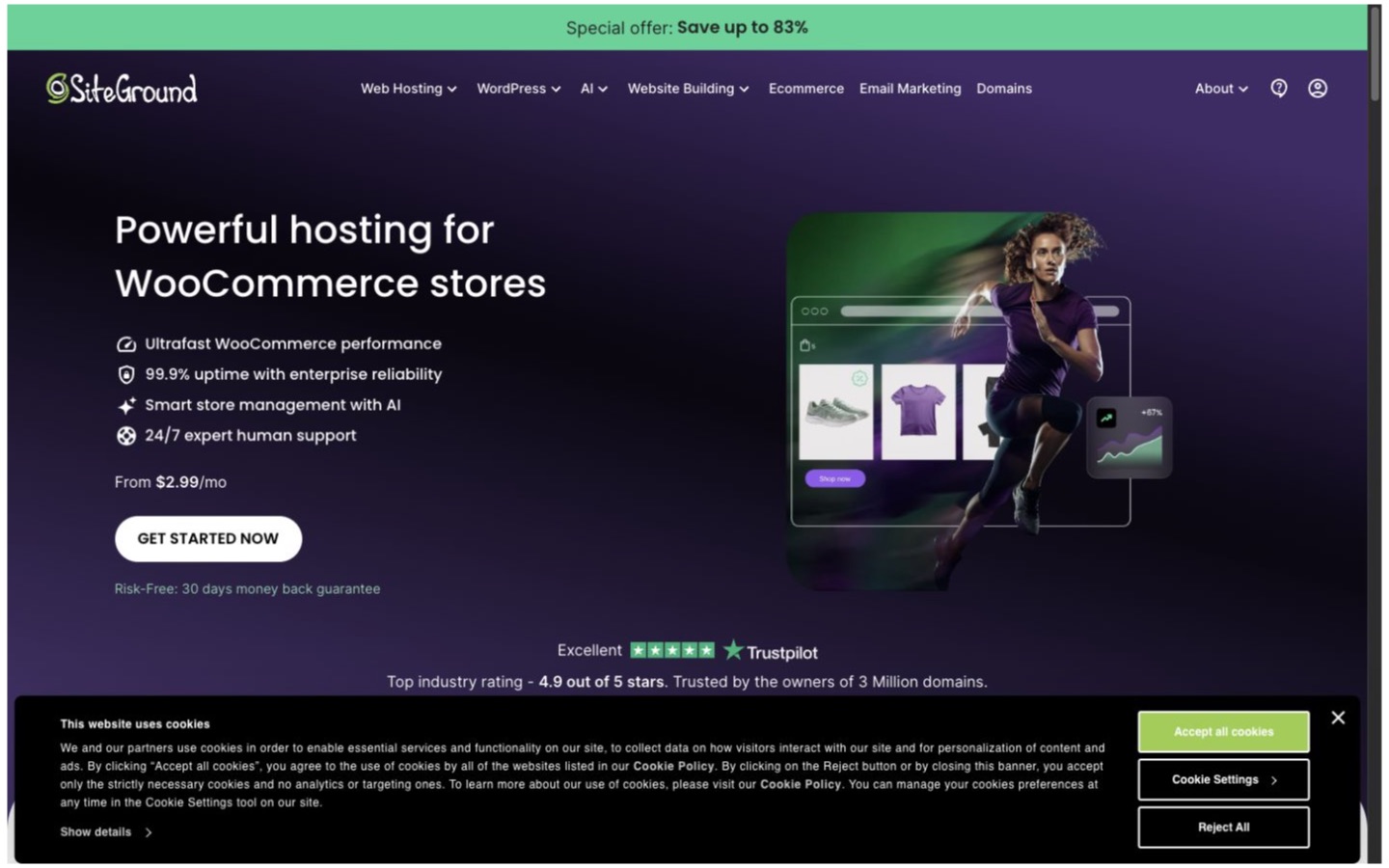
SiteGround
A small business that wants hosting, email-adjacent account tools, caching, backups, and support in a familiar package.
Why it made the list
SiteGround packages WordPress and WooCommerce setup with its own performance and management tools. It is approachable for an owner who is comfortable maintaining plugins but does not want to assemble the server layer from scratch.
The tradeoff
Promotional and renewal pricing can be very different, and plan resources are shared within the account. Support also has limits; it is not a replacement for a developer who understands the store's code and extensions.
What to verify
Compare the regular renewal price, backup retention, staging rules, CDN setup, storage, site limits, and what support will do during a checkout incident.
Best for managed WooCommerce with WordPress-focused support
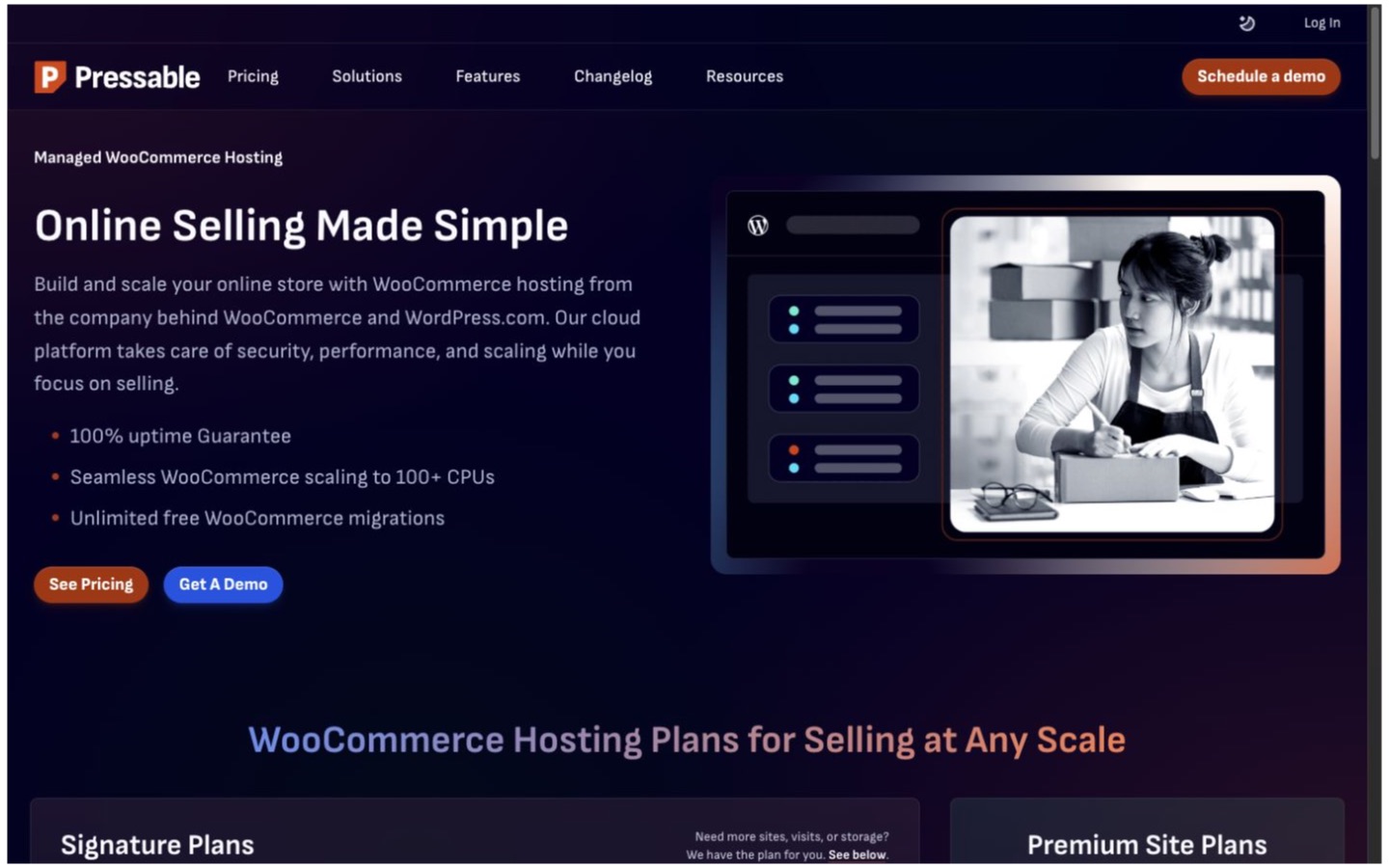
Pressable
A WooCommerce store or agency that wants a managed WordPress platform and a workflow built around WordPress sites.
Why it made the list
Pressable focuses on managed WordPress and markets a specific WooCommerce hosting path. Its documentation covers automated backups, staging, CDN behavior, migrations, Jetpack-related tools, and a defined support scope.
The tradeoff
A managed platform may restrict some server-level choices, and the right plan depends on visits, sites, storage, and support expectations. Confirm how overages and unusually busy sales events are handled.
What to verify
Clone the store to staging, restore a backup, test a plugin update, and ask support who owns a slow database query or third-party checkout problem.
Best for choosing the underlying cloud provider
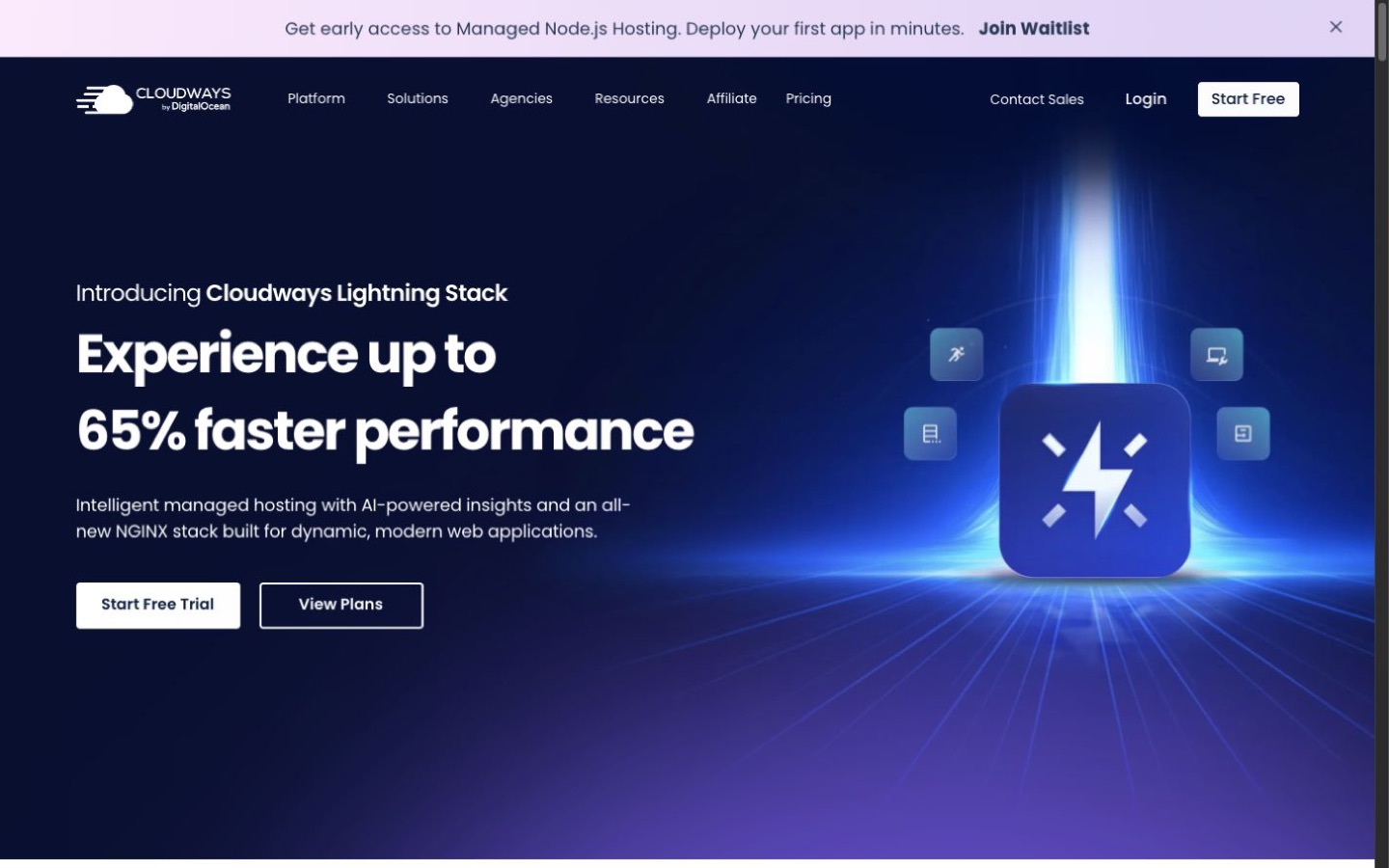
Cloudways
A technical owner or agency that wants managed controls while choosing among supported cloud infrastructures and server sizes.
Why it made the list
Cloudways sits between ordinary shared hosting and running a raw cloud server. That can be useful when a team wants server choice, scaling options, backups, staging, and application management without doing every infrastructure task itself.
The tradeoff
More control means more decisions. Email, edge services, support tiers, backups, and provider charges should be priced as a complete stack, not as one server number.
What to verify
Deploy a copy in the intended region and server size, then load-test search, cart, checkout, admin imports, backups, and scaling procedures.
Best for a performance-focused managed store
Kinsta
A store where developer workflow, monitoring, isolated environments, and managed operations justify a higher bill.
Why it made the list
Kinsta is a strong shortlist candidate for teams that want a managed WordPress environment with staging, backups, analytics, and performance tooling presented as one operating platform.
The tradeoff
Traffic, storage, CDN, sites, and other usage allowances affect the bill. A small quiet store may not use enough of the platform to justify the cost.
What to verify
Model the store's visits and bandwidth, then test checkout under uncached load and confirm the response to a resource overage or plugin conflict.
Best for an agency-style WordPress workflow
WP Engine
A team managing releases, staging environments, and several WordPress properties with a formal development process.
Why it made the list
WP Engine belongs on the list when the store is part of a wider WordPress development workflow. Its managed plans emphasize environments, developer tools, performance, security, and site management rather than bare hosting alone.
The tradeoff
The platform can be more than a simple store needs, and plan allowances or restricted plugins may shape architecture choices. Review the current plan rather than assuming every tool is included.
What to verify
Have the person who deploys changes test a full staging-to-production cycle, backup restore, user permissions, and the escalation path for a checkout outage.
How to choose
Four questions that matter more than a feature count
Store recovery
Backup frequency, retention, restore steps, and whether recovery can be tested safely.
WooCommerce workload
Uncached cart and checkout traffic, admin jobs, scheduled actions, imports, and database growth.
Change safety
Staging, deployment, plugin updates, logs, access controls, and rollback.
Support boundary
What the host diagnoses, what the developer owns, and how urgent incidents are escalated.
Cost
Price the working system, not the first subscription
Use the regular renewal price, not only the introductory price. Add premium backups, CDN or edge services, email, migrations, support upgrades, developer time, and expected overages.
Other credible options
Good products that did not get a main recommendation
Hostinger
A credible value-oriented hosting option, but this shortlist gives priority to clearer managed WooCommerce and operations workflows.
View the profileBluehost
A common WordPress starting point, but not the strongest fit for the distinct operating cases selected here.
View the profileBefore you commit
Run a small, reversible test
- Clone the current store with production data handled safely.
- Test product search, cart, checkout, payment callbacks, and order emails.
- Run imports, scheduled jobs, and an uncached load test.
- Update a plugin in staging and deploy the change.
- Restore a backup to a safe environment and time the recovery.
- Write down who to contact and what to roll back during an outage.
Editorial method
How this shortlist was built
Commerce Stack Guide defined the business situations and candidate group before considering affiliate relationships. We reviewed current official vendor pages, matched products to distinct operating needs, and kept tradeoffs and verification steps beside every recommendation.
This is source-based workflow analysis, not hands-on testing. Product limits and prices change, so the list is a starting point for a controlled trial—not a promise that one product will fit every store.
Sources