The short answer
Different businesses need different winners
Inventory software is not just a shared quantity counter. It has to decide what is available, what is reserved, what is inbound, how kits consume components, and what happens when Amazon, Shopify, a warehouse, and a return all report changes at different times.
Zoho Inventory is the approachable small-business choice. Cin7 Core fits a broader wholesale and purchasing operation. Katana is built around making products. Finale is worth a close look for FBA, kits, and warehouse control. inFlow offers a practical middle ground for teams that need purchasing, barcodes, and order work without jumping straight to an ERP.
A useful decision rule
Choose the owner of inventory first. Every channel and warehouse should follow that system's available quantity instead of trying to correct one another.
The shortlist
The best fits, by business situation
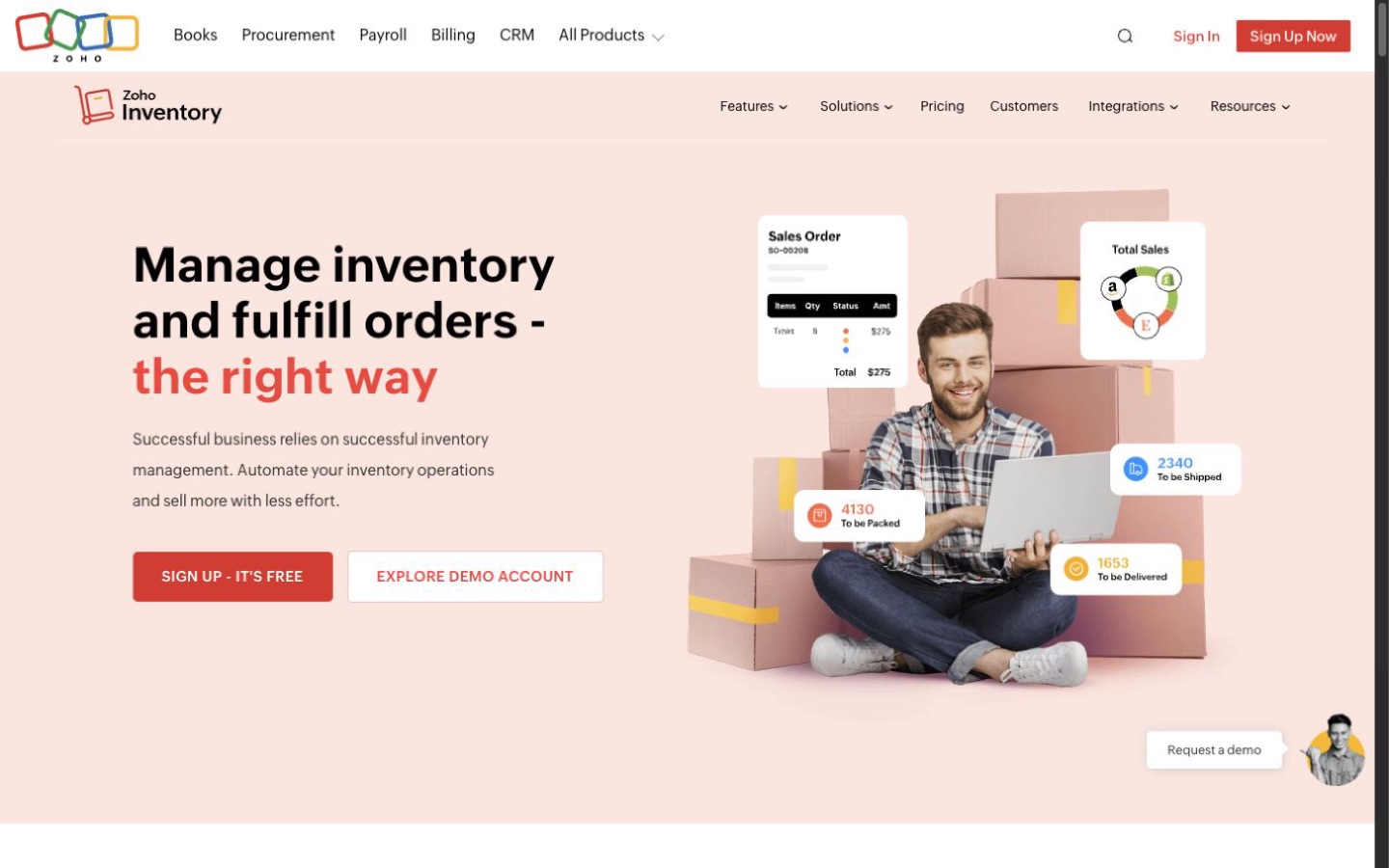
Best approachable option for a growing small seller
Zoho Inventory
A Shopify and marketplace business that wants orders, purchasing, warehouses, and shipping connections in one reasonably accessible system.
Why it made the list
Zoho Inventory covers a broad small-business inventory workflow and connects naturally with other Zoho products. It is a sensible first shortlist item when a spreadsheet has stopped working but a full ERP would be excessive.
The tradeoff
Plan limits and regional features matter. A complex maker, high-volume FBA operator, or business with unusual costing may outgrow the simpler setup.
What to verify
Import a clean SKU sample, connect test channels, receive a purchase order, allocate stock, ship, return, and reconcile the ending quantity.
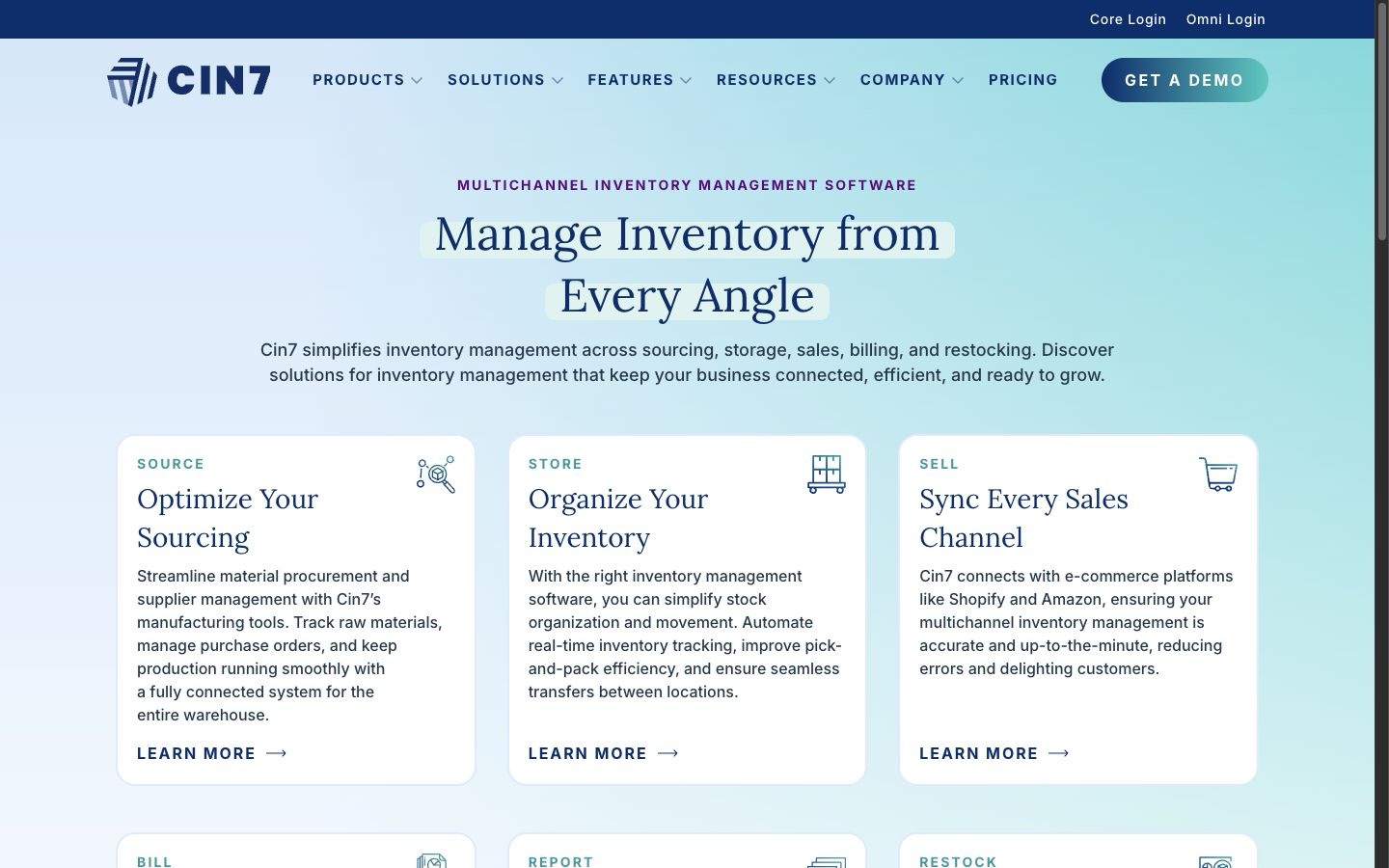
Best for wholesale and multichannel operations
Cin7 Core
A business balancing ecommerce, wholesale orders, purchasing, several locations, and light production work.
Why it made the list
Cin7 Core is designed as a central operations system rather than a channel add-on. It brings inventory, purchasing, sales, warehouse work, and manufacturing-related features into one broader workflow.
The tradeoff
Breadth adds setup and administration. Integrations, users, sales volume, automation, implementation help, and extra modules can change both cost and effort.
What to verify
Run one direct order, one wholesale order, one transfer, one supplier receipt, and one assembled item through a sandbox with the intended roles.
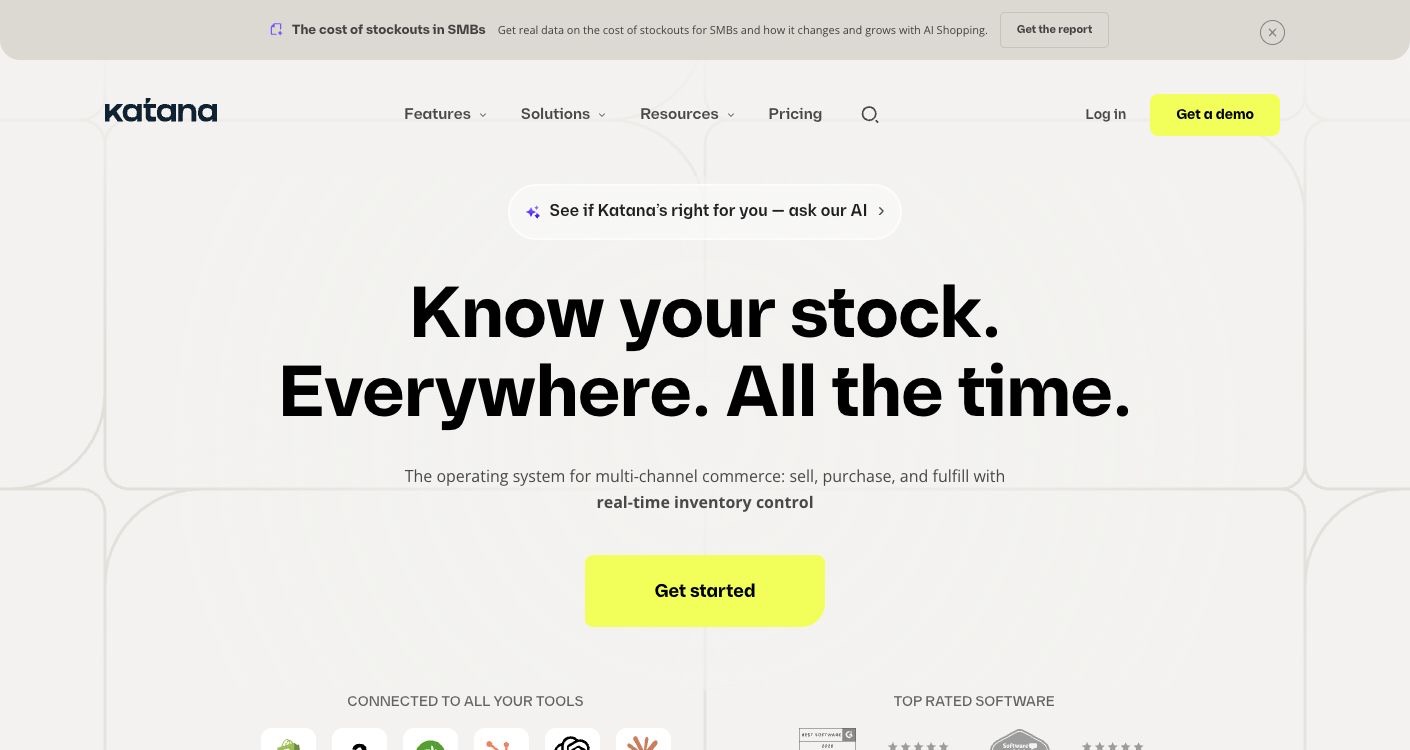
Best for businesses that make what they sell
Katana
A brand that must plan raw materials, production, finished goods, and ecommerce demand together.
Why it made the list
Katana earns its place because manufacturing changes the inventory question. The business needs to know not only what is on the shelf, but what can be made from available materials and which orders should consume it.
The tradeoff
A pure reseller may pay for a production model it does not need. Confirm how accounting, purchasing, barcodes, warehouses, and channel orders work in the chosen plan.
What to verify
Build a representative bill of materials, receive components, schedule production, complete an item, fulfill it on Shopify, and trace every quantity change.
Best for FBA, kits, and warehouse control
Finale Inventory
A marketplace-heavy seller that needs stock sync, replenishment, multi-location work, kits, and barcode-driven operations.
Why it made the list
Finale focuses on the operational details that become painful at marketplace scale, including FBA-related workflows, stock across locations, kits, purchasing, and warehouse processes.
The tradeoff
The system should be configured around the business's real replenishment and warehouse rules. Pricing and implementation are less useful to judge without volume and workflow details.
What to verify
Reconcile one FBA SKU, one merchant-fulfilled SKU, one kit, one transfer, and one return across Amazon, Shopify, and the warehouse.
Best practical middle ground for warehouse basics
inFlow Inventory
A small or midsize product business that needs purchasing, barcodes, order management, and inventory control without a large ERP project.
Why it made the list
inFlow puts common inventory and warehouse jobs in one product: sales and purchase orders, stock, barcodes, picking, and reporting. It can suit a team that has outgrown spreadsheets but still values a direct operating workflow.
The tradeoff
Channel, user, order, location, and feature limits vary by plan and add-on. Confirm that Amazon and Shopify synchronization matches the business's timing and listing structure.
What to verify
Have receiving, sales, and picking staff complete their normal work, then compare system quantity with a physical count and both channels.
How to choose
Four questions that matter more than a feature count
Stock ownership
One reliable source for available, reserved, inbound, damaged, and returned quantity.
Channel timing
How Amazon and Shopify orders, cancellations, returns, and listing updates synchronize.
Product complexity
Kits, bundles, variants, assemblies, raw materials, lots, serials, and multiple units.
Warehouse work
Receiving, transfers, bins, barcodes, picking, counts, permissions, and audit history.
Cost
Price the working system, not the first subscription
Include orders, users, locations, sales channels, barcode hardware, implementation, integrations, training, and inventory cleanup. The biggest cost is often fixing bad SKU and quantity data before launch.
Other credible options
Good products that did not get a main recommendation
Fishbowl Inventory
A credible inventory and manufacturing system, but less direct for the five distinct Amazon-and-Shopify cases selected here.
View the profileBefore you commit
Run a small, reversible test
- Choose 20 SKUs covering variants, kits, FBA, and slow sellers.
- Clean identifiers and decide which system owns each inventory field.
- Import opening stock into a safe test environment.
- Run purchase, receipt, transfer, sale, cancel, return, and adjustment events.
- Compare both channels and a physical count after synchronization.
- Document failure alerts, manual corrections, cutover, and rollback.
Editorial method
How this shortlist was built
Commerce Stack Guide defined the business situations and candidate group before considering affiliate relationships. We reviewed current official vendor pages, matched products to distinct operating needs, and kept tradeoffs and verification steps beside every recommendation.
This is source-based workflow analysis, not hands-on testing. Product limits and prices change, so the list is a starting point for a controlled trial—not a promise that one product will fit every store.
Sources